User Manual
QuantorMed Plus TM -721-EN
2.3. Start and Termination
2.3.1. System Start
1. Turn on the FireCR CR Reader.
2. Turn on the monitor and PC.
2.3.2. Start Program
After Windows is successfully booted, you can launch the QuantorMed+ program by double
clicking the QuantorMed+ icon on your desktop as shown in figure 2.11.
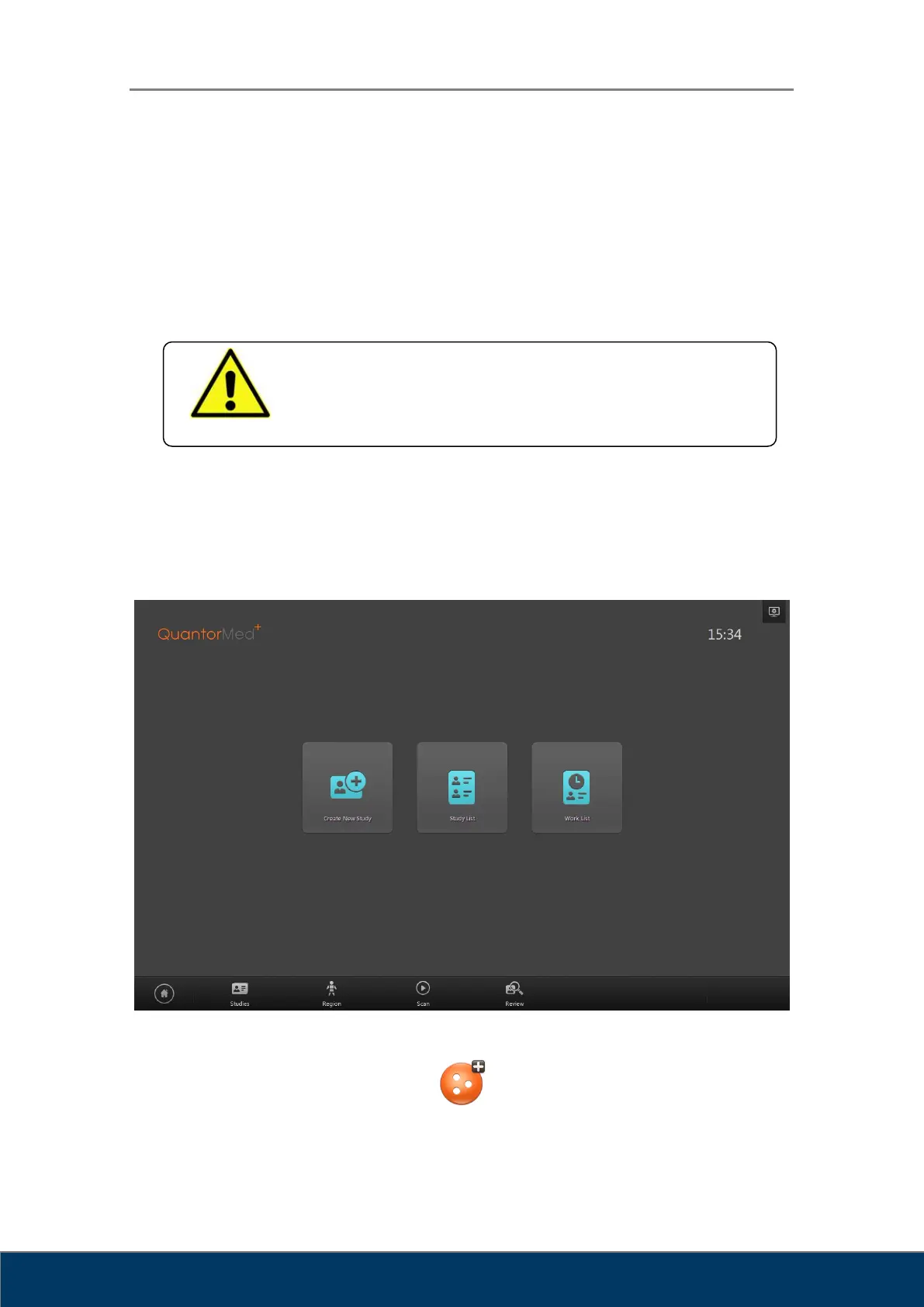
Figure 2.10. Home Window
QuantorMed+
Figure 2.11. Short Cut Icon
WARNING
Do not run any application software other than QuantorMed during
operation of the scanner. This may slow the scanner response.



 To Next Page