User Manual
QuantorMed Plus TM -721-EN
10. Review
10.1. Screen Layout
The View offers the identical functions as a PACS Viewer. It supports various image comparison,
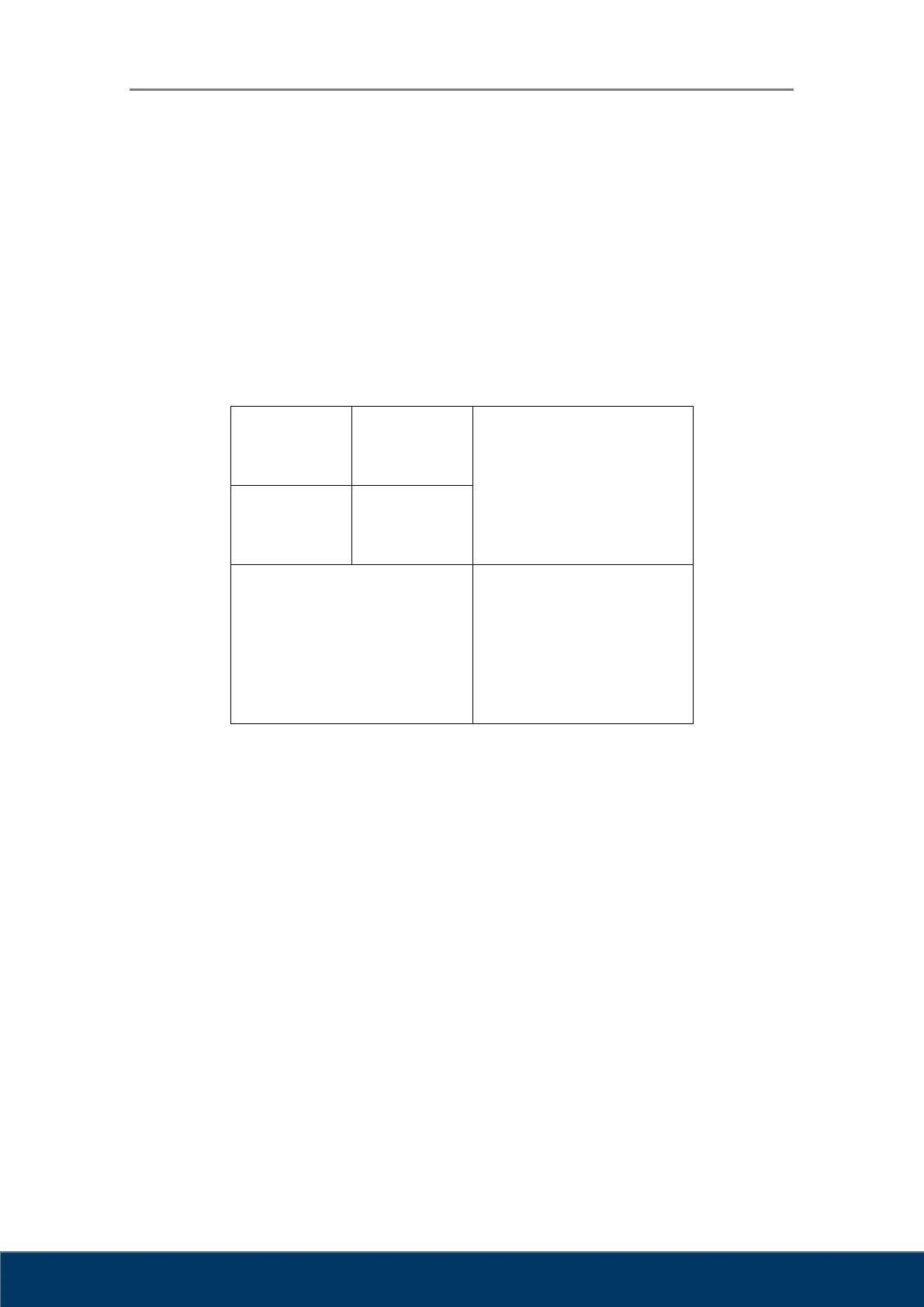
processing and measurement tools for performing a diagnosis. The screen displaying the image
consists of multiple views. Each view consists of multiple images. The user can customize the
view layout and image layout according to their needs.
Figure 10.1. View – Image Layout
To display an image in the view, all you have to do is simply drag the image from the Task Bar.
When an image is dragged from the Task Bar, only the image is displayed in the view. When a
Study Bar is dragged, all the images included the study are displayed in the view.



 To Next Page