User Manual
QuantorMed Plus TM -721-EN
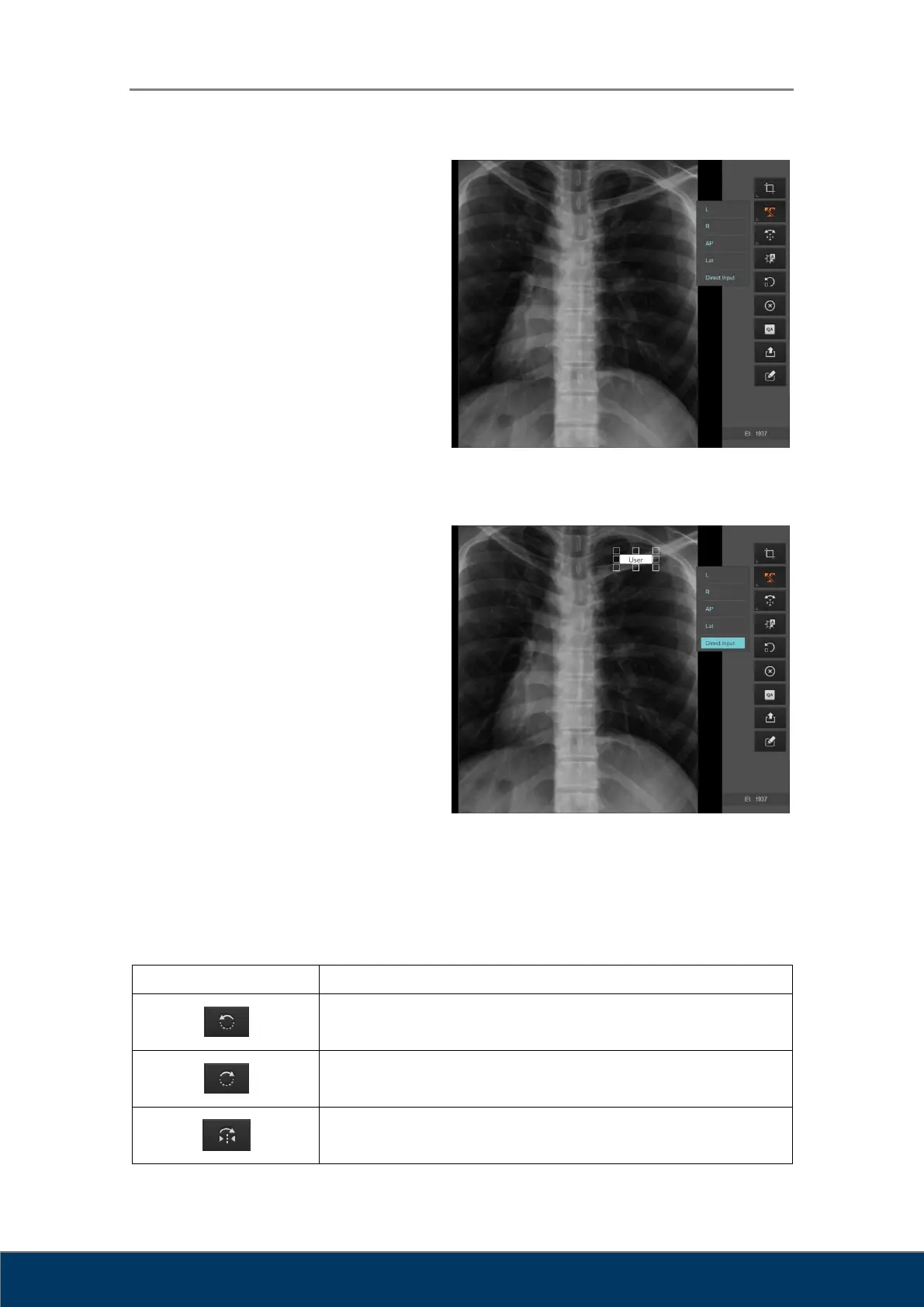
Add Predefined Markings
① Click on the Marking button.
② Select a marking.
③ Click on the image.
Predefined markings can be edited in
Settings under [Overlay-Marking].
Manually Enter Markings
① Click on the Marking button.
② Select Direct Input.
③ Click on the position where you want to
add the marking and a text input box
will appear. Enter your text. Click
outside the text input box when you are
done.
8.4. Rotate/Flip
Used to rotate or flip images.
Figure 8.3. Add Predefined Markings
Figure 8.4. Manually Enter Markings



 To Next Page