User Manual
QuantorMed Plus TM -721-EN
10.2. View Caption Bar
Figure 10.3. View Caption Bar
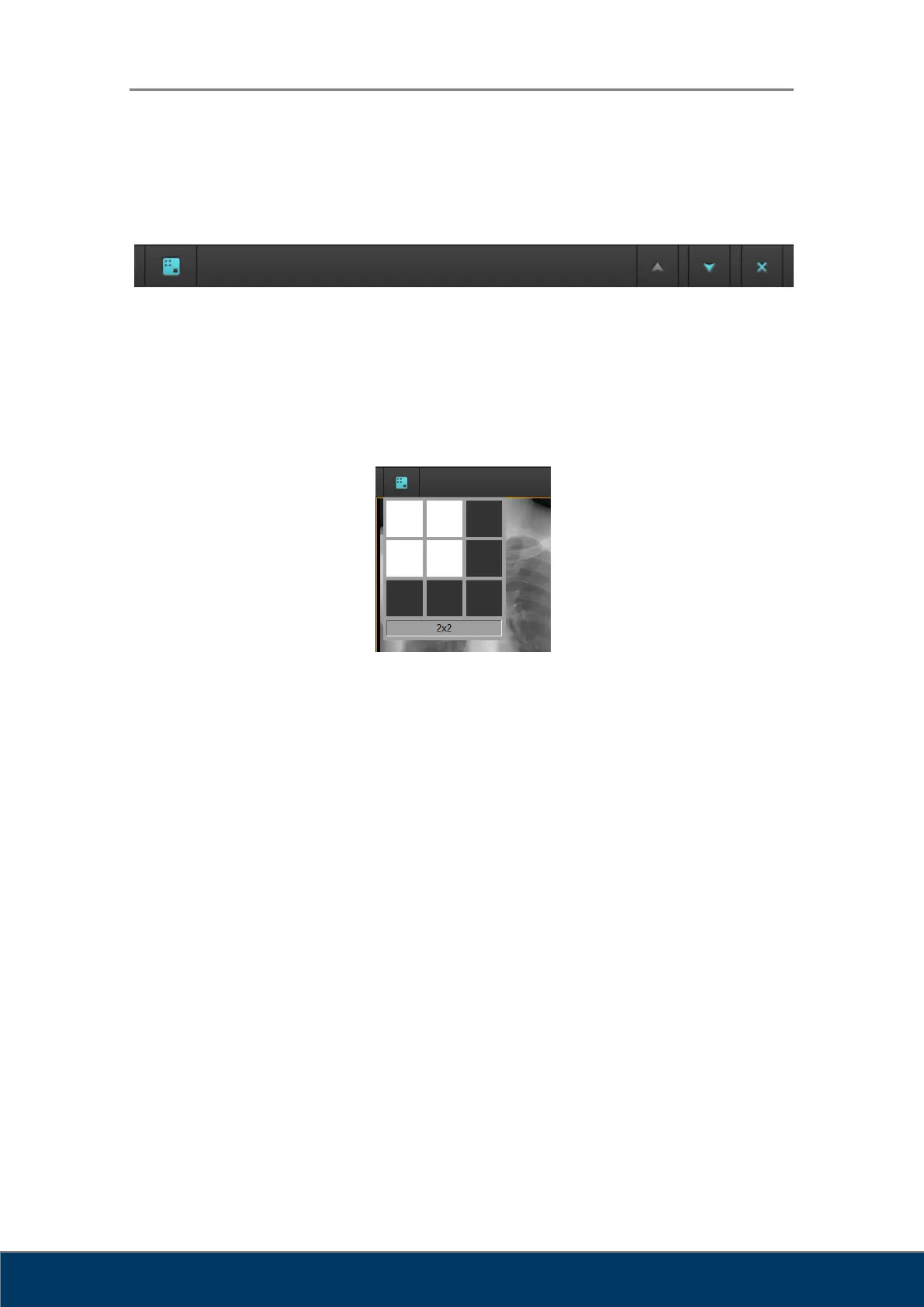
① Image Layout: Change image layout. When you click on the Image Layout button, a
3x3 grid shown in Figure 10.4 will appear on the screen. Select your desired layout.
The largest image layout available 3x3.
Figure 10.4. Image Layout
② Page Up: Go back to the previous page.
③ Page Down: Go to the next page.
④ Close: Close all images.
10.3. Full Screen
Expands the Review screen to full-screen mode as shown in Figure 10.5.



 To Next Page