User Manual
QuantorMed Plus TM -721-EN
4.2. System Menu
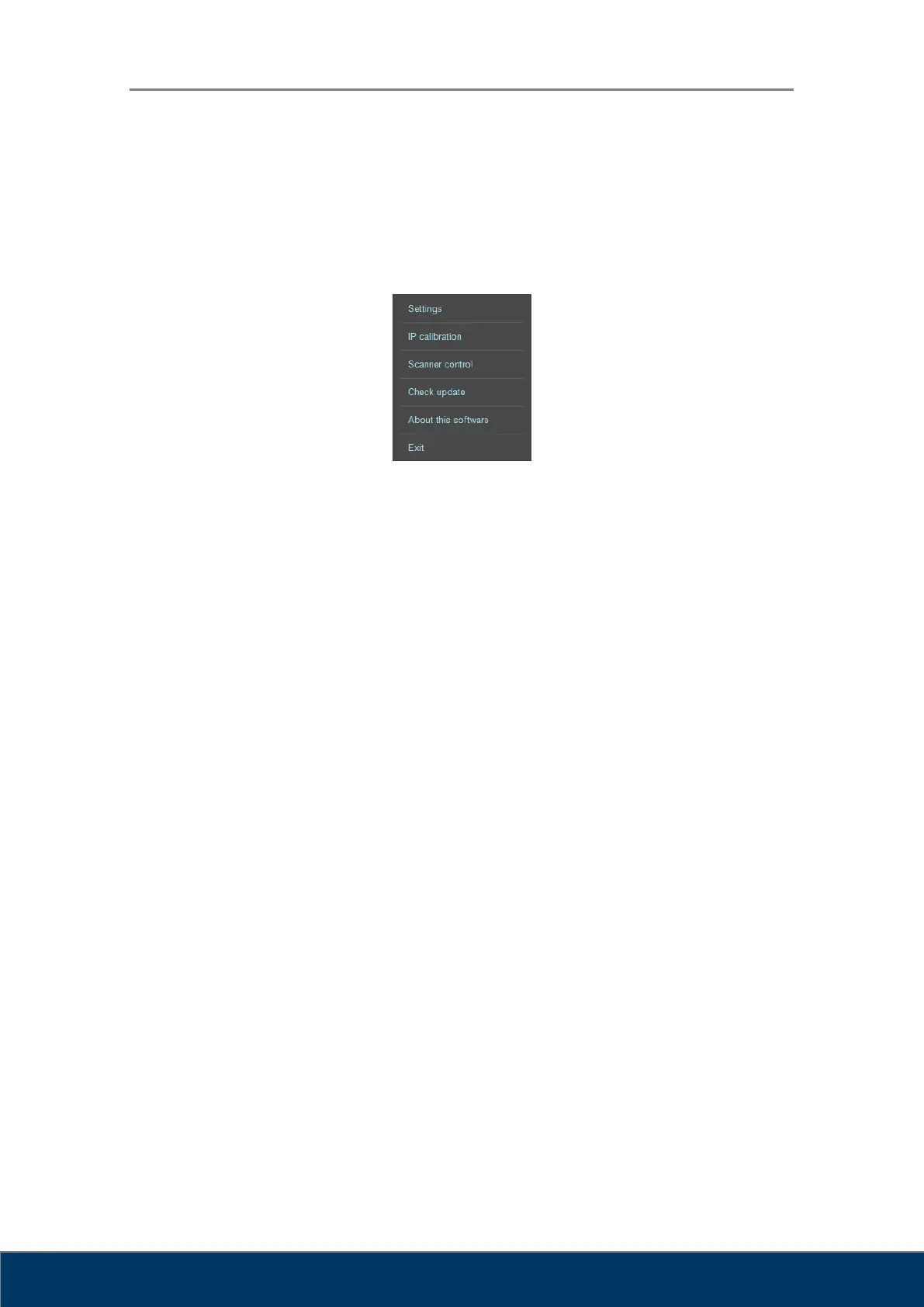
The System button is always displayed in the upper-right corner of the program. When the
button is clicked, the following menu appears on the screen.
Figure 4.2. System Menu
Settings: Displays the Settings window.
IP Calibration: Runs IP Calibration program.
Scanner Control: Runs Scanner Control program.
Check Update: Checks for a new version. If a new version is available, it is
automatically downloaded and installed.
About this software: Displays software version information
Exit: Exits the program.



 To Next Page