User Manual
QuantorMed Plus TM -721-EN
5. New Study
5.1. Screen Layout
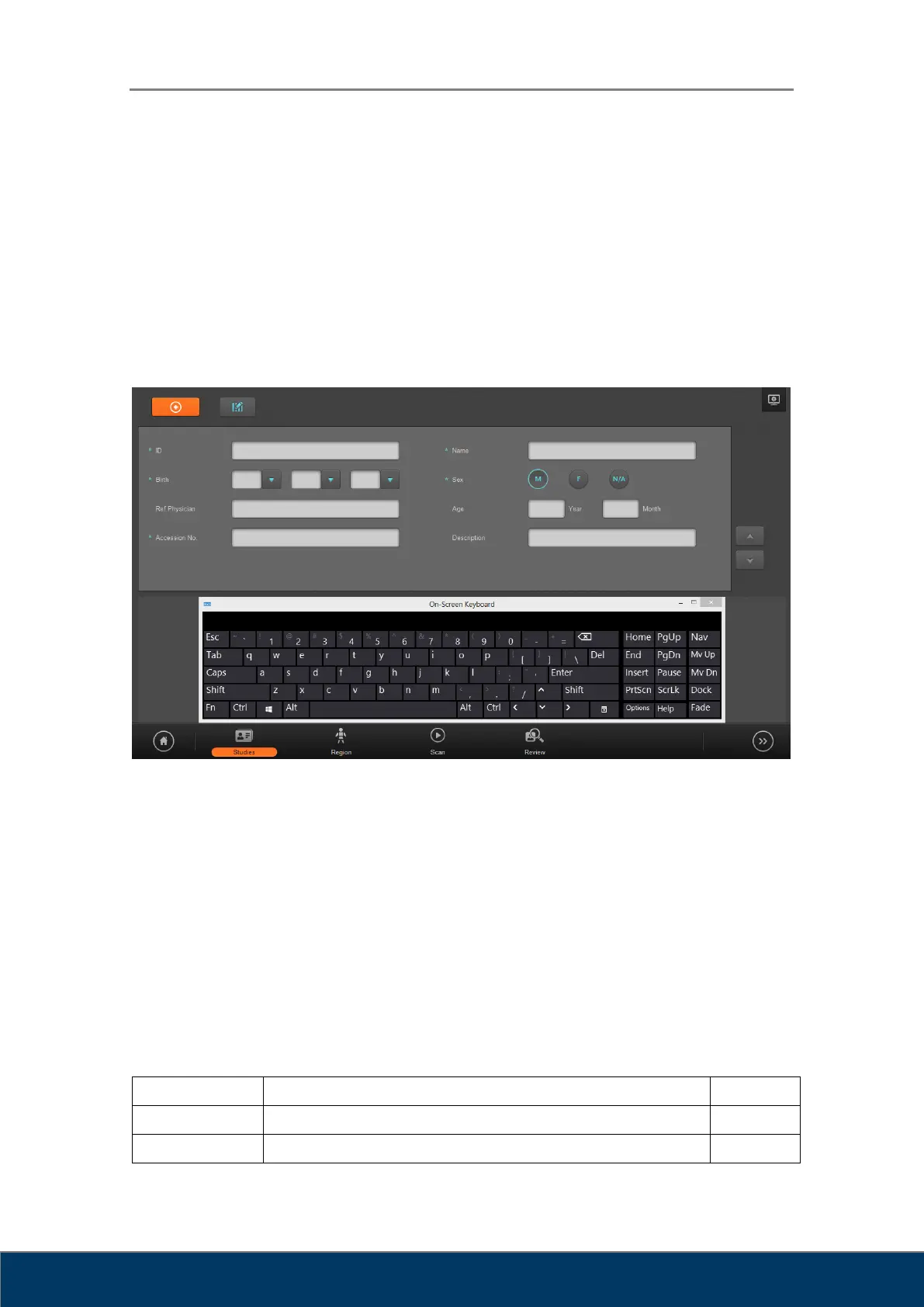
The New Study screen is the first page when performing a scan. Enter the necessary patient
and study information. You can easily switch to the next input field by using the Tab key. Fields
marked by * are mandatory DICOM fields that must be filled in.
Figure 5.1. New Study
① Emergency: Mandatory fields are filled in automatically. This function is used in
emergencies where patient information has not been identified to perform a scan first
and fill in the patient data later.
② Edit Input Field: Bring up Input Field Edit dialog. In the Input Field Edit dialog, you can
change the order of the input fields, and add or remove input fields.
③ System Menu: Display the System menu.
④ Input Field: Details about each input field are described in Table 5-1.
Table 5.1. Input Field



 To Next Page