User Manual
QuantorMed Plus TM -721-EN
⑤ Clip: Show/hide clip adjustment line in the image. Clip lines are displayed as dotted
lines. Drag the dotted line using the mouse to clip the desired region.
⑥ Show Guide Line: Show/hide horizontal dotted line to check horizontal level of the
scanned image. The position of the guide line can be adjusted by dragging it using the
mouse.
⑦ Rotate Left: Rotate the selected image counter-clockwise.
⑧ Rotate Right: Rotate the selected image clockwise.
⑨ Rotate Angle: The angle to rotate the image.
⑩ Reset: Reset images.
⑪ Cancel: Return to the previous screen.
⑫ Stitch: Stitch images and return to the previous screen.
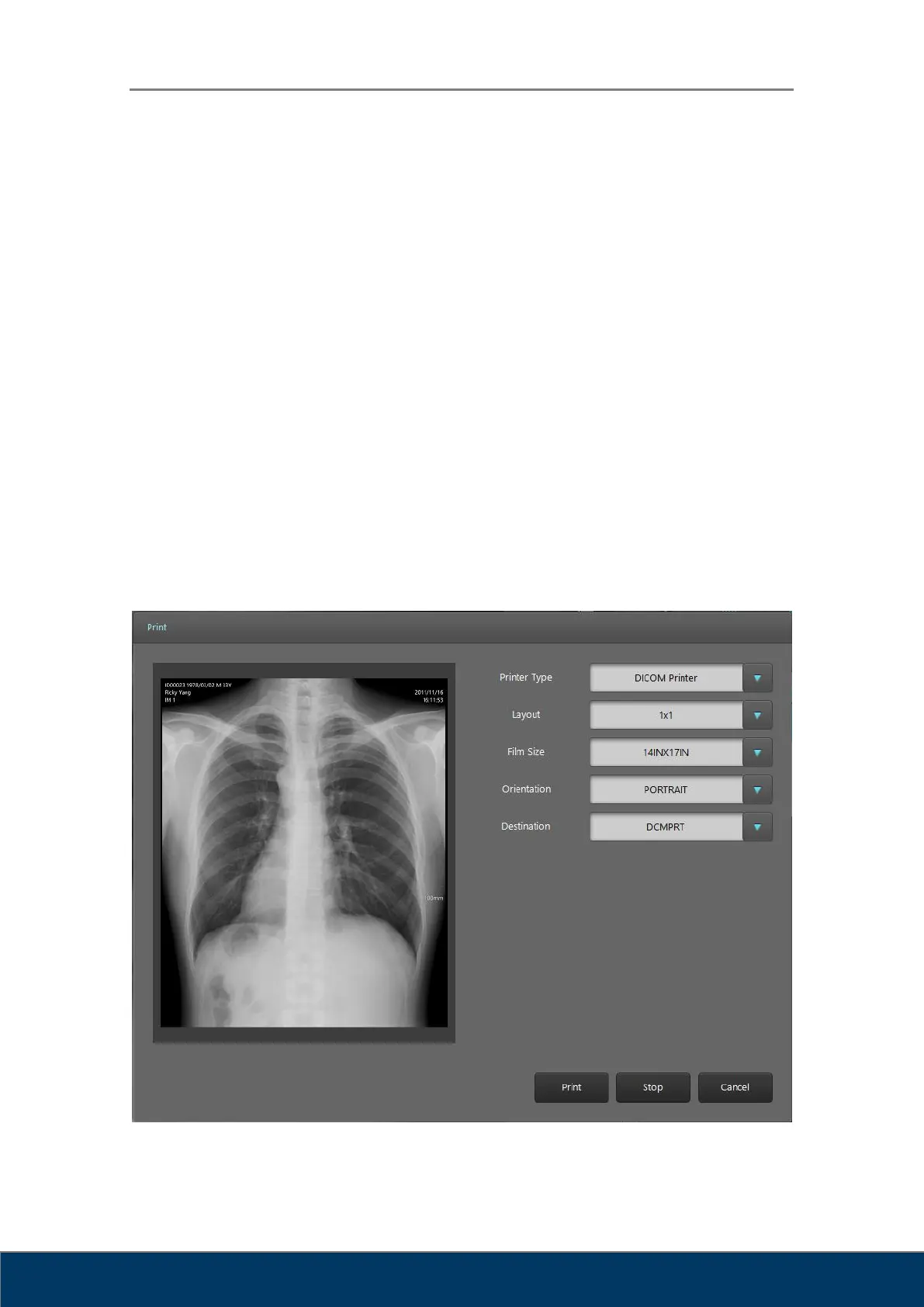
9.3. Print
Windows printers and DICOM printers are supported. The printed page can be previewed on
the left part of the screen.
Figure 9.3. DICOM Print



 To Next Page