User Manual
QuantorMed Plus TM -721-EN
Printer Type: Select printer type.
DICOM Printer
Windows Printer
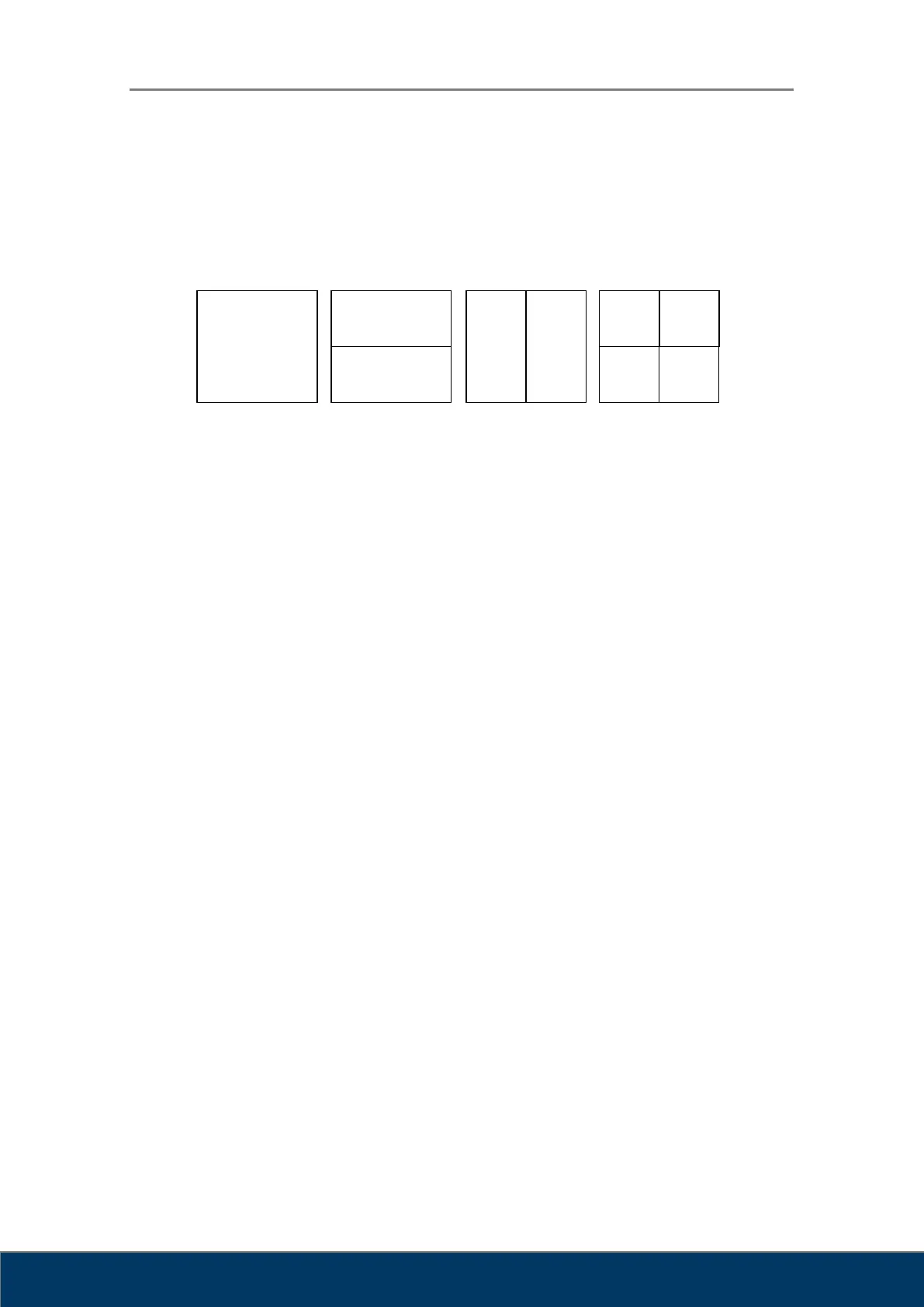
Layout: Select the layout of the image to be printed on film or paper.
Film Size: Select standard DICOM film size.
8INx10IN
10INx12IN
10INx14IN
8INx10IN
11INx14IN
14INx14IN
14INx17IN
24CMx30CM
24CMx24CM
Orientation: Select film orientation.
Portrait: Uses portrait orientation.
Landscape: Uses landscape orientation.
Destination: Select DICOM printer.
Print: Start printing.
Stop: Stop printing.
Cancel: Close dialog box.
When a Window printer is selected, the screen changes as shown in Figure 9-4.



 To Next Page