User Manual
QuantorMed Plus TM -721-EN
14. Settings
14.1. Screen Layout
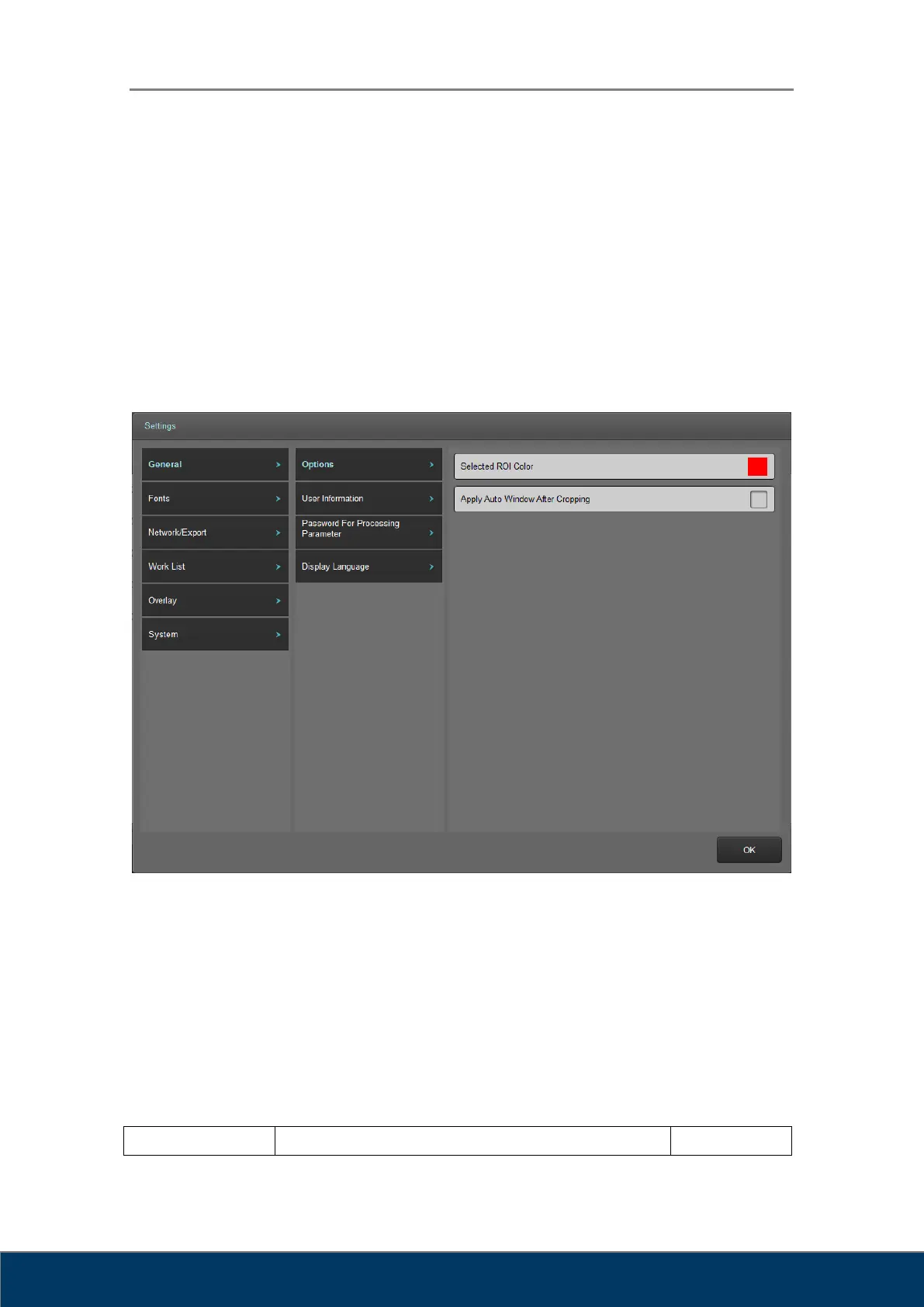
The Setting screen consists of a main category, sub-category, and specific item. Clicking on the
main category item will change the sub-category items. Clicking on the sub-category item will
change the specific item in the selected sub-category. Setting values can be changed in the
specific item.
① Main category item list
② Sub-category item list
③ Specific item list
14.2. General
14.2.1. Option



 To Next Page