User Manual
QuantorMed Plus TM -721-EN
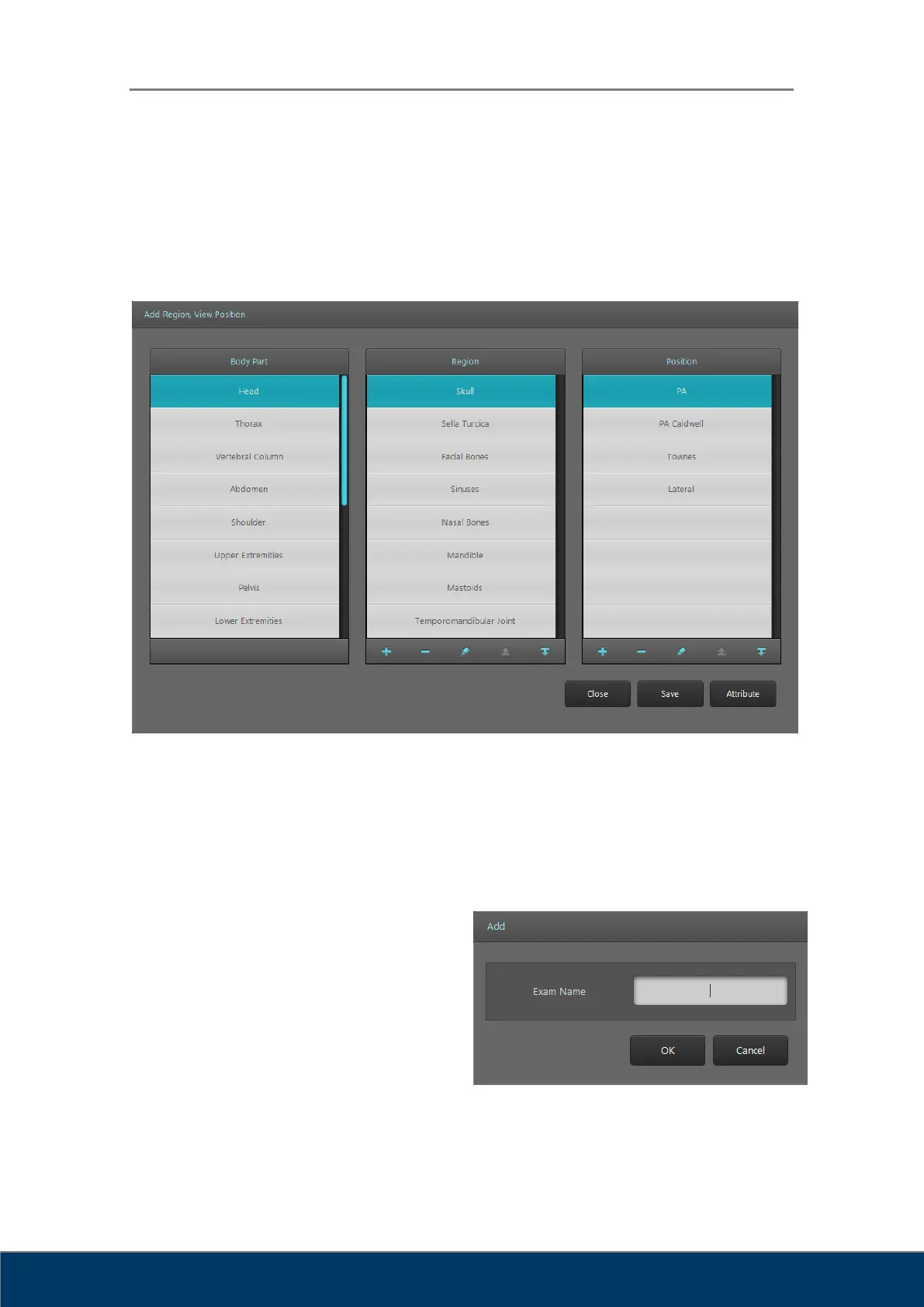
6.3. Add Region, View Position
You can add, delete or edit body part, region or position displayed in region selection. And
Attributes of each preset can be edited.
Figure 6.2. Add Region, View Position
① Body Part
② Region
③ Position
④ Add Region: Add new region. Type
the new exam name in the window.
Figure 6.3. Add Region



 To Next Page