User Manual
QuantorMed Plus TM -721-EN
⑤ Delete Region:
Delete selected region.
⑥ Edit Region:
Edit selected region.
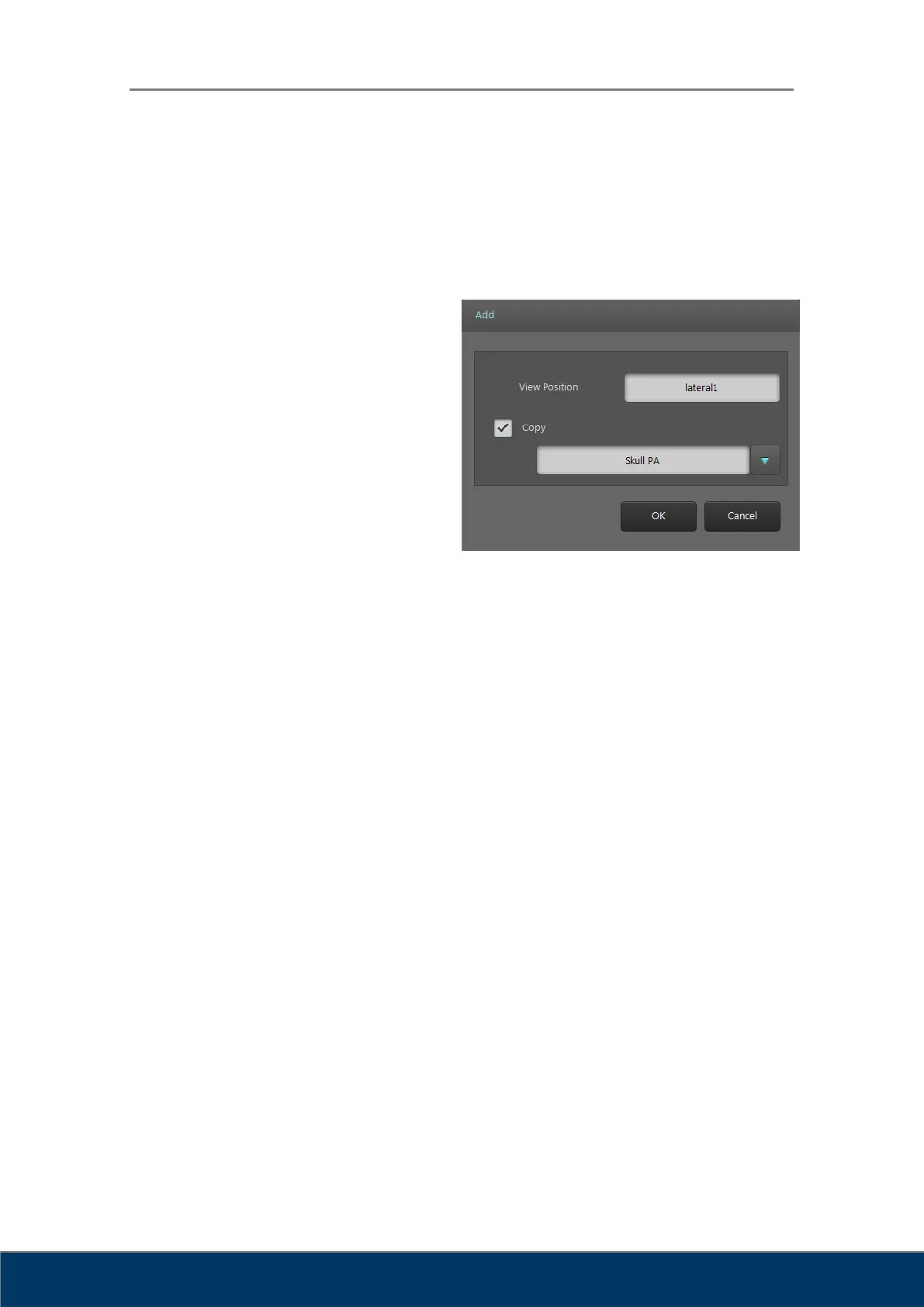
⑦ Add Position:
Add new position. Type the new
position name in the window. Tick
Copy and type existing position in
the window to copy properties to
the new position.
Figure 6.4. Add Position
⑧ Delete Position
⑨ Edit Position
⑩ Move Up: Move selected position upward.
⑪ Move Down: Move selected position downward.
⑫ Close: Close window.
⑬ Save: Save changes.
⑭ Attribute: Open Attribute window for selected position.



 To Next Page