User Manual
QuantorMed Plus TM -721-EN
7. Scan
7.1. Screen Layout
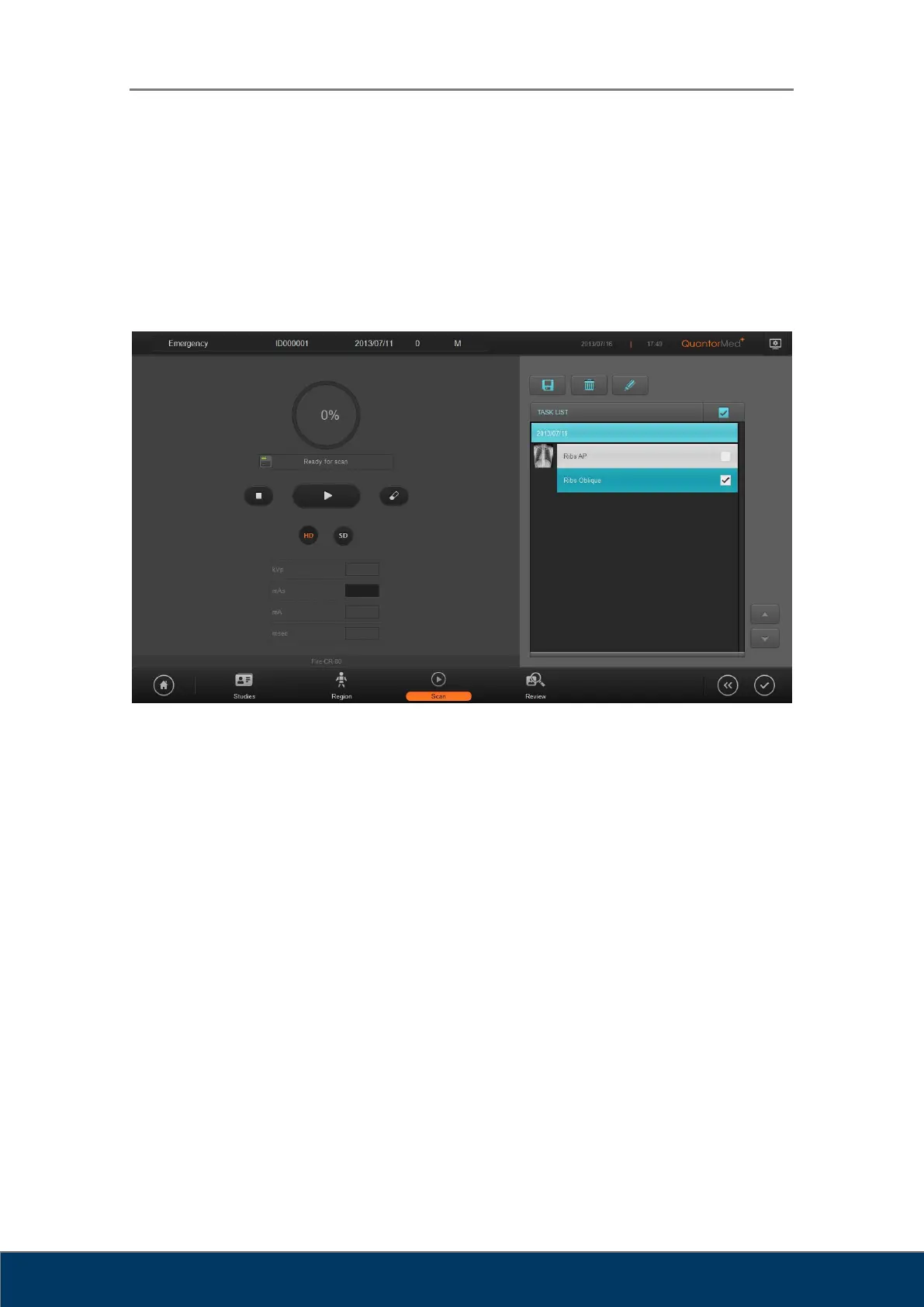
In the Scan screen, you can insert a cassette into the FireCR and acquire images.
Figure 7.1. Scan
① Scan: Begin a scan.
② Stop: Stop a scan.
③ Erase: Erase the IP. By default, the IP is deleted automatically after a scan. This
function is only used to manually delete the IP.
④ Progress: The scanning progress is shown in a circle and in percentages.
⑤ Resolution: Select the scan resolution. HD resolution scans with 100 mm pixel pitch,
and SD resolution scans at 200 mm pixel pitch. Lower pixel pitch results in higher
resolution images.
⑥ Cassette Indicator: Displays the status of the cassette.
⑦ Exposure Input: Enter the X-ray exposure settings.
⑧ Model Name: Displays the model name of FireCR connected to the PC.



 To Next Page