User Manual
QuantorMed Plus TM -721-EN
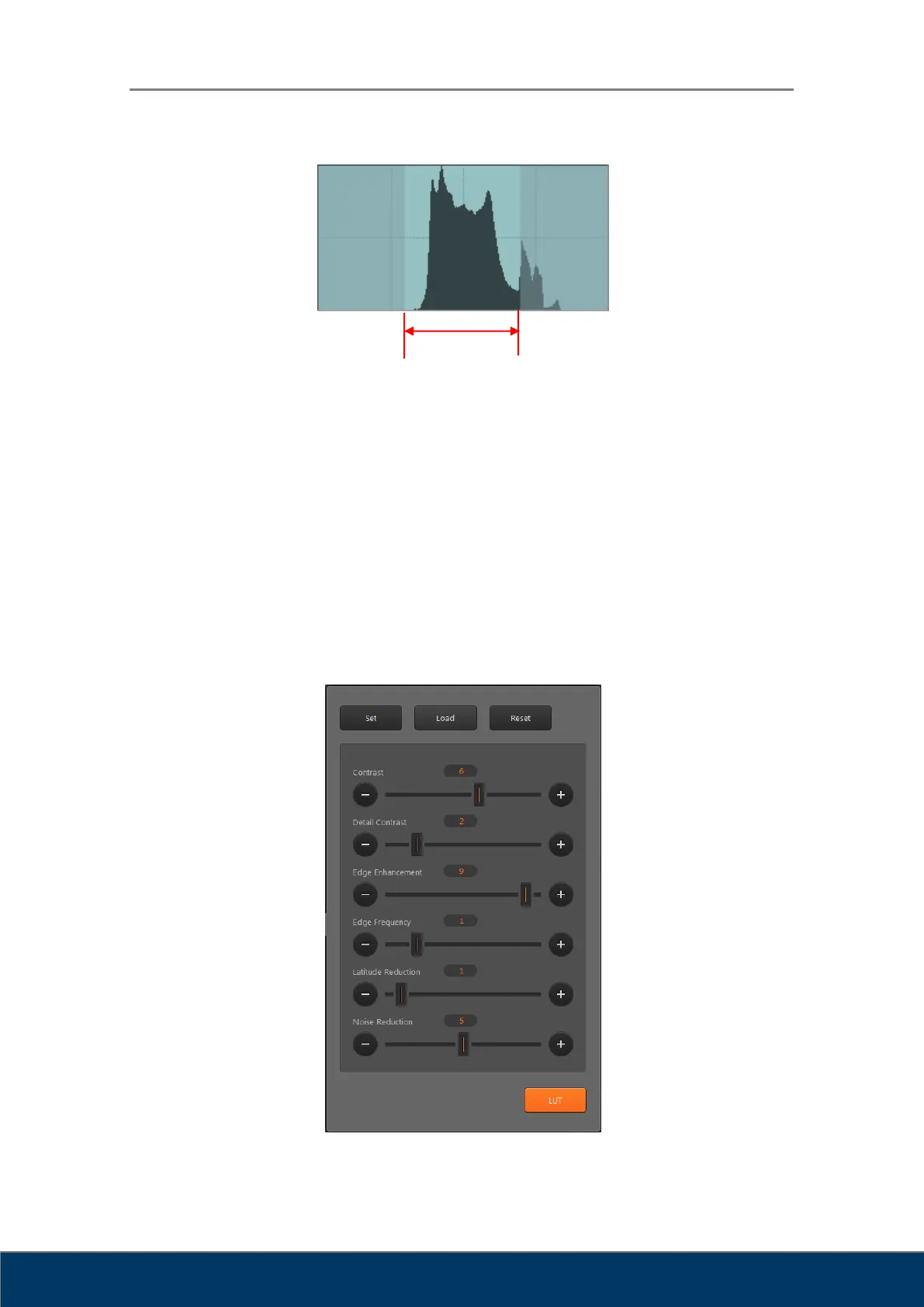
④ Set: Set the curve and window value adjusted by the user as the default value for images of
the current region.
⑤ Load: Load and apply default curves and window values of the current region.
⑥ Reset: Reset curve.
⑦ Processing: Go to Image Processing Filters screen.
8.9. QA – Image Processing Filters
Used to adjust image processing filters. Adjusting the image requires expert knowledge about
images. Adjusting the image without proper knowledge may result in lower image quality.
Figure 8.7. Image Processing Filter



 To Next Page