User Manual
QuantorMed Plus TM -721-EN
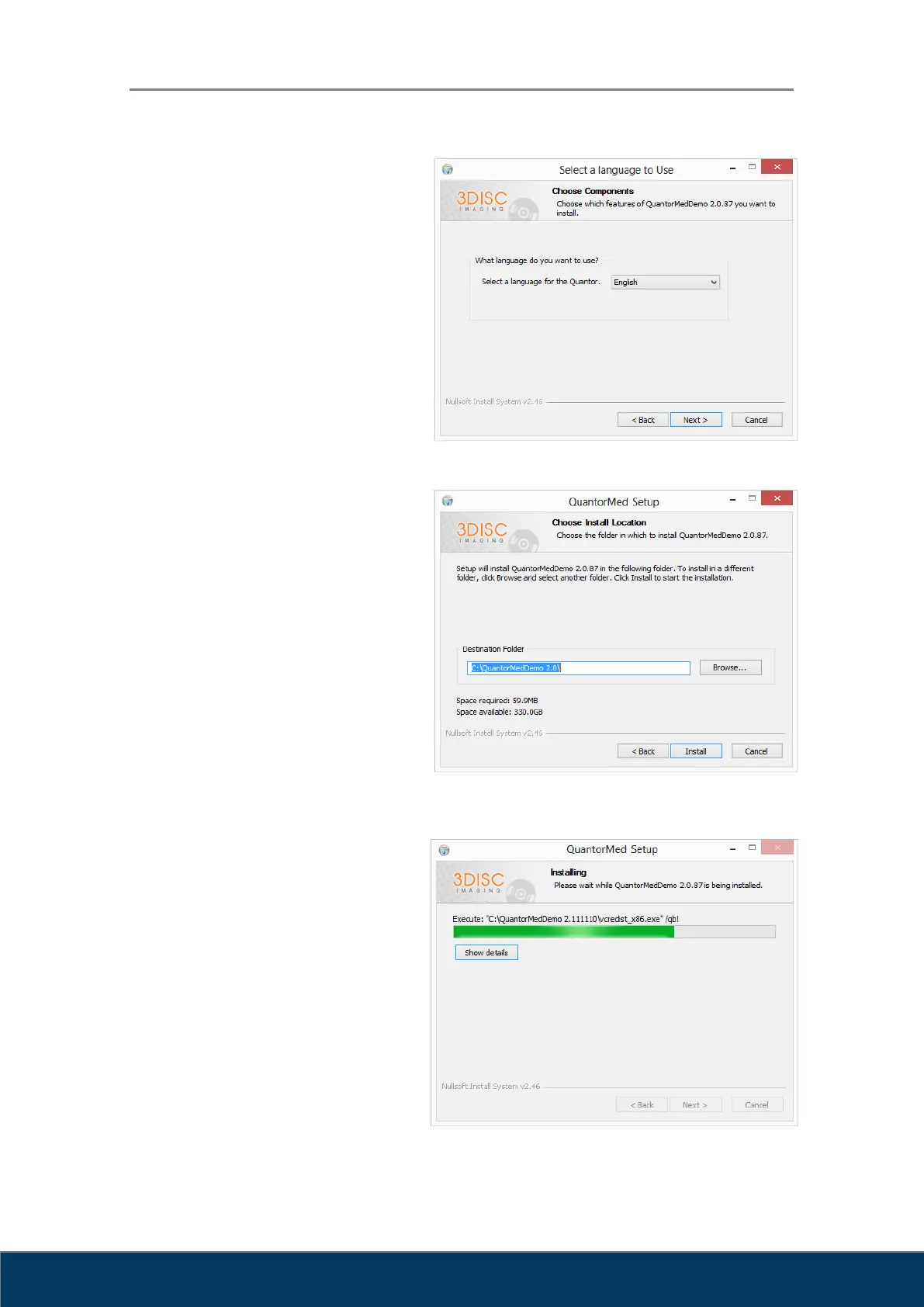
Choose your language and
click the "Next" button as shown
in Figure 2.3.
Figure 2.3. Components Dialog Box
Choose the destination folder
and click the "Install" button
as shown in Figure 2.4.
Figure 2.4. Installation Location Dialog Box
Installation status will be
displayed as shown
in Figure 2.5.
Figure 2.5. Install Status Dialog Box



 To Next Page