User Manual
QuantorMed Plus TM -721-EN
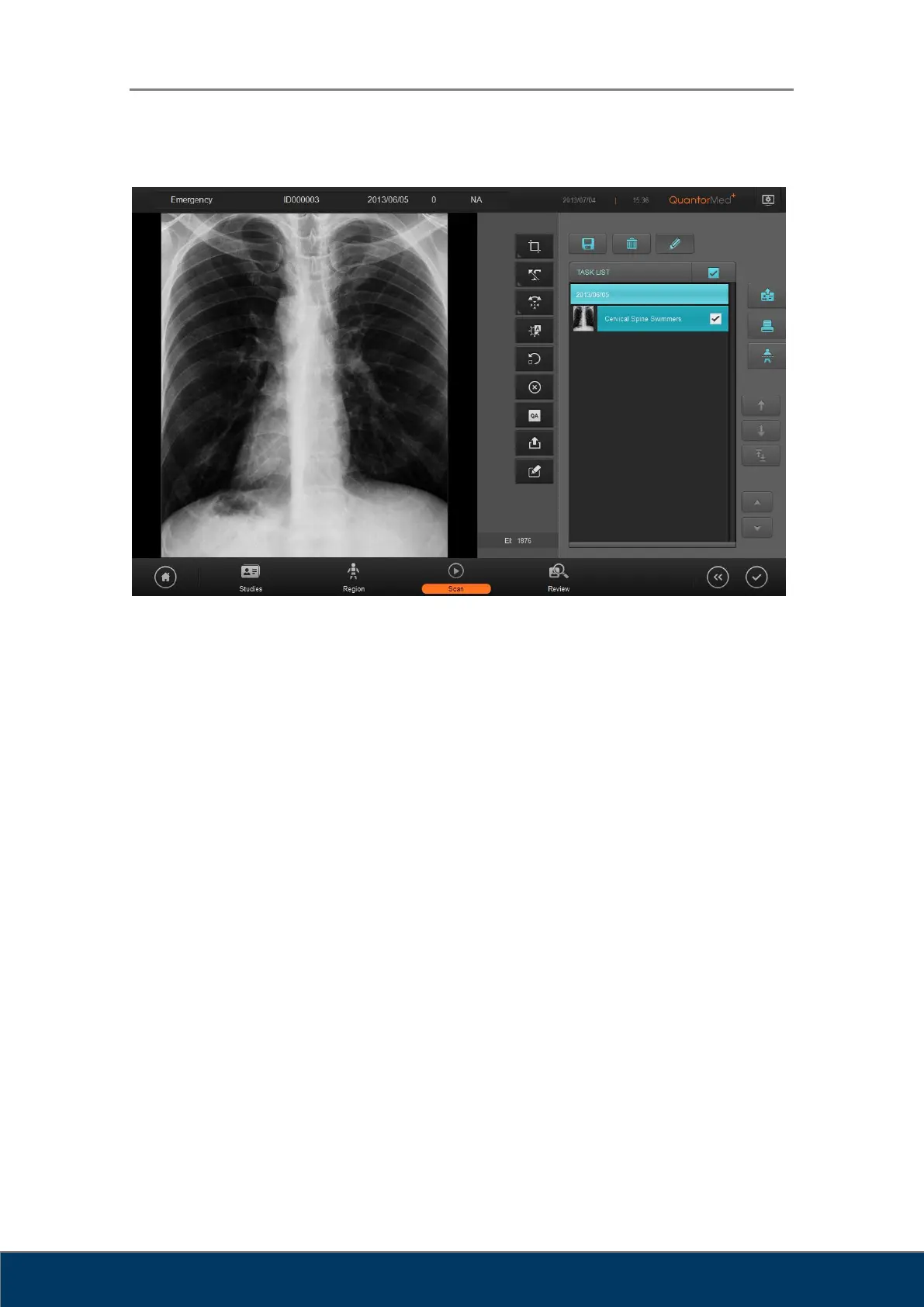
Figure 9.1. Task List
① Study Bar: Displays study date, study time, and study description. Only time is
displayed for studies conducted on the same day. Only dates are displayed for studies
conducted on any prior dates.
② Task Bar: Displays thumbnail images, body part, and view position.
③ Select all: Select all the tasks.
④ Add Preset: Add the selected study to the preset. When added to the preset, the added
study will be displayed on the Preset List in the Region Selection screen.
⑤ Delete: Delete selected tasks.
⑥ Edit: Show/hide Move and Switch buttons.
⑦ Send Study: Transmit the selected study. Destination of the transmission can be added
in Settings.
⑧ Print: Print the selected images using a DICOM printer or a Windows printer.
⑨ Stitch: Used to stitch multiple images into one when long bones are scanned. To stitch
images, all the images must have the identical scan resolution. Images scanned in SD
resolution and in HD resolution cannot be stitched. Up to three images can be stitched
into one.
⑩ Move: Change the order of the tasks. Change the order of the task by pressing the
Up/Down buttons.



 To Next Page