User Manual
QuantorMed Plus TM -721-EN
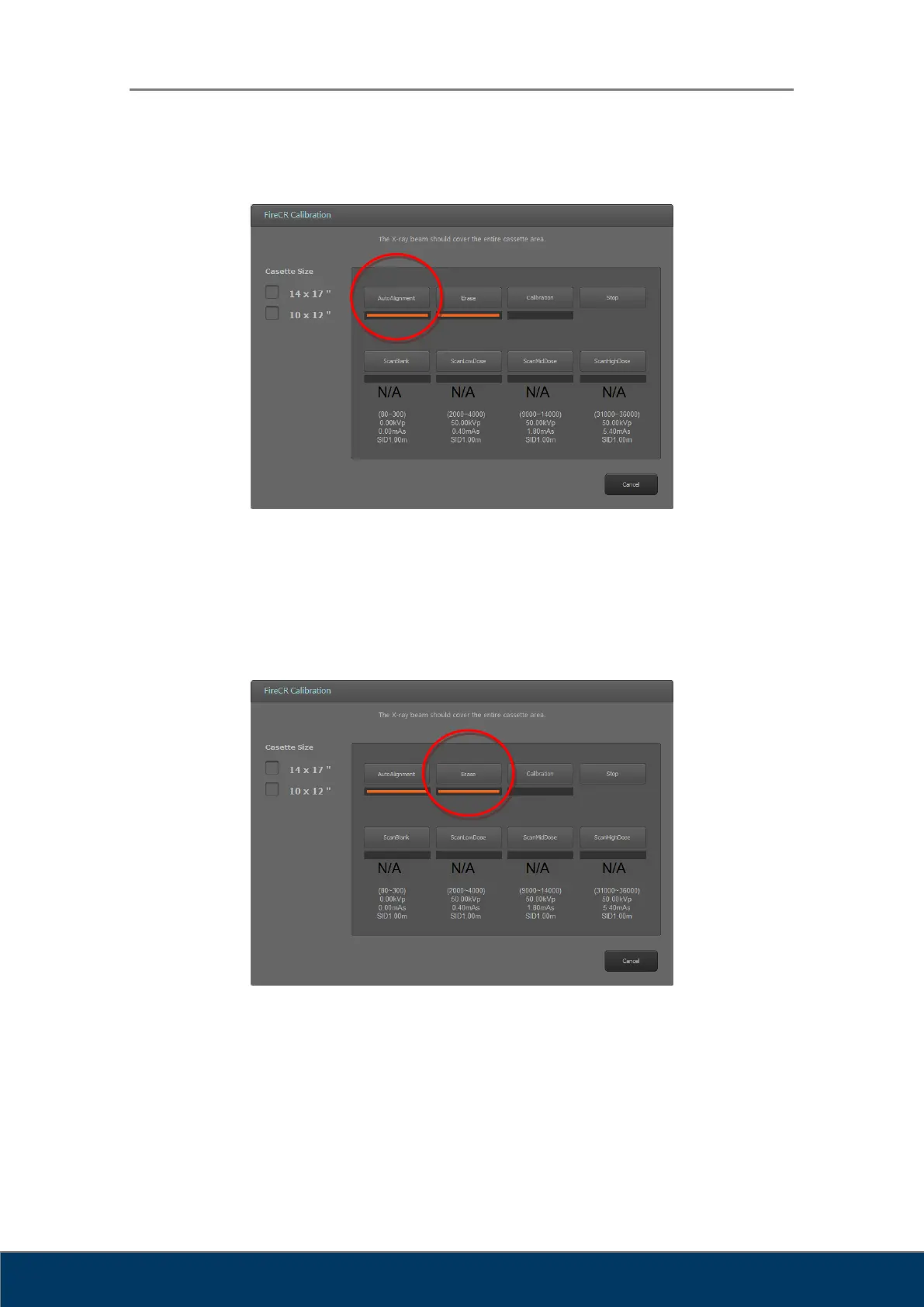
1.1.2. Step 1: Auto Alignment
Figure 2.16. Auto Alignment
Perform Auto Alignment before starting calibration to find the optimal laser beam
position.
1.1.3. Step 2: Erase
Figure 2.17. Erase
The Erase button is enabled when the cassette is inserted to the reader.
It erases the cassette before calibration.



 To Next Page