Pg. 33
www.3xlogic.com | 877 3xLOGIC | helpdesk@3xlogic.com
1
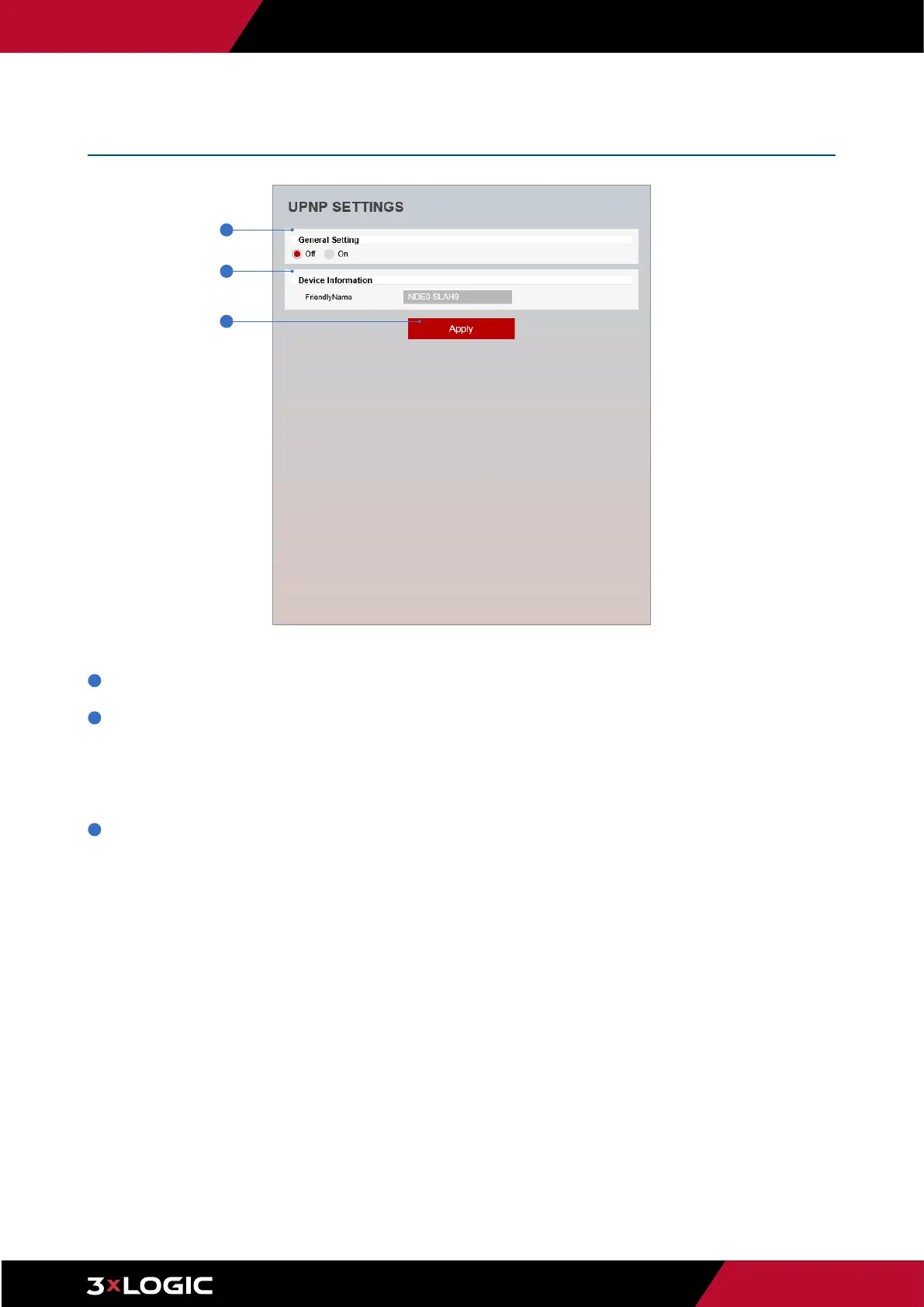
General Setting - UPNP function can be enabled or disabled here.
2
Friendly Name - Define the an easily identifable name for the device. Supports a maximum of 30 characters and special
characters.
▪
(/ ~ ! $^ ( ) { } [ ] ; , ) cannot be used.
▪
('@', '.', '_' ,'-', ' ') can be used.
3
Click Apply to save new settings.
Setup - Network Setup
UPNP Settings
1
2
3



 To Next Page
 Loading...