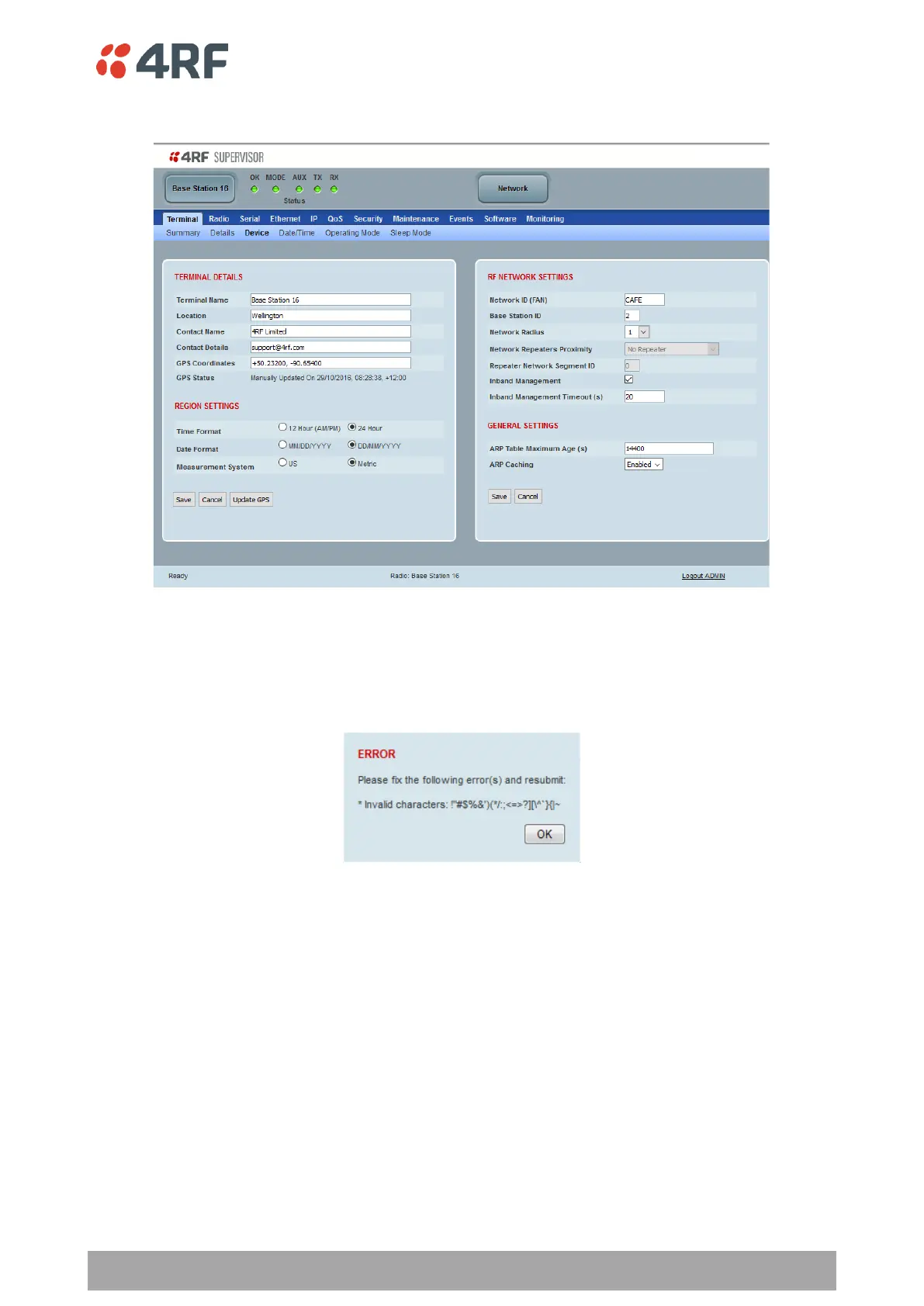
Terminal > Device
TERMINAL DETAILS
The data entry in the next four fields can be up to 40 characters but cannot contain invalid characters. A
popup warns of the invalid characters:
1. Enter the Terminal Name.
2. Enter the Location of the radio.
3. Enter a Contact Name. The default value is ‘4RF Limited’.
4. Enter the Contact Details. The default value is ‘support@4RF.com’.



 To Next Page