Aprisa SR+ User Manual 1.11.1
GPS Coordinates
This parameter sets the GPS Coordinates for the radio location. It can be manually entered and saved or if
the radio is fitted with a GPS Receiver, it can be set by clicking on the Update GPS button. The entry is two
values of latitude and longitude comma delimited;
• The Latitude value must be a decimal number anywhere from -90 to 90
• The Longitude value must be a decimal number anywhere from -180 to 180
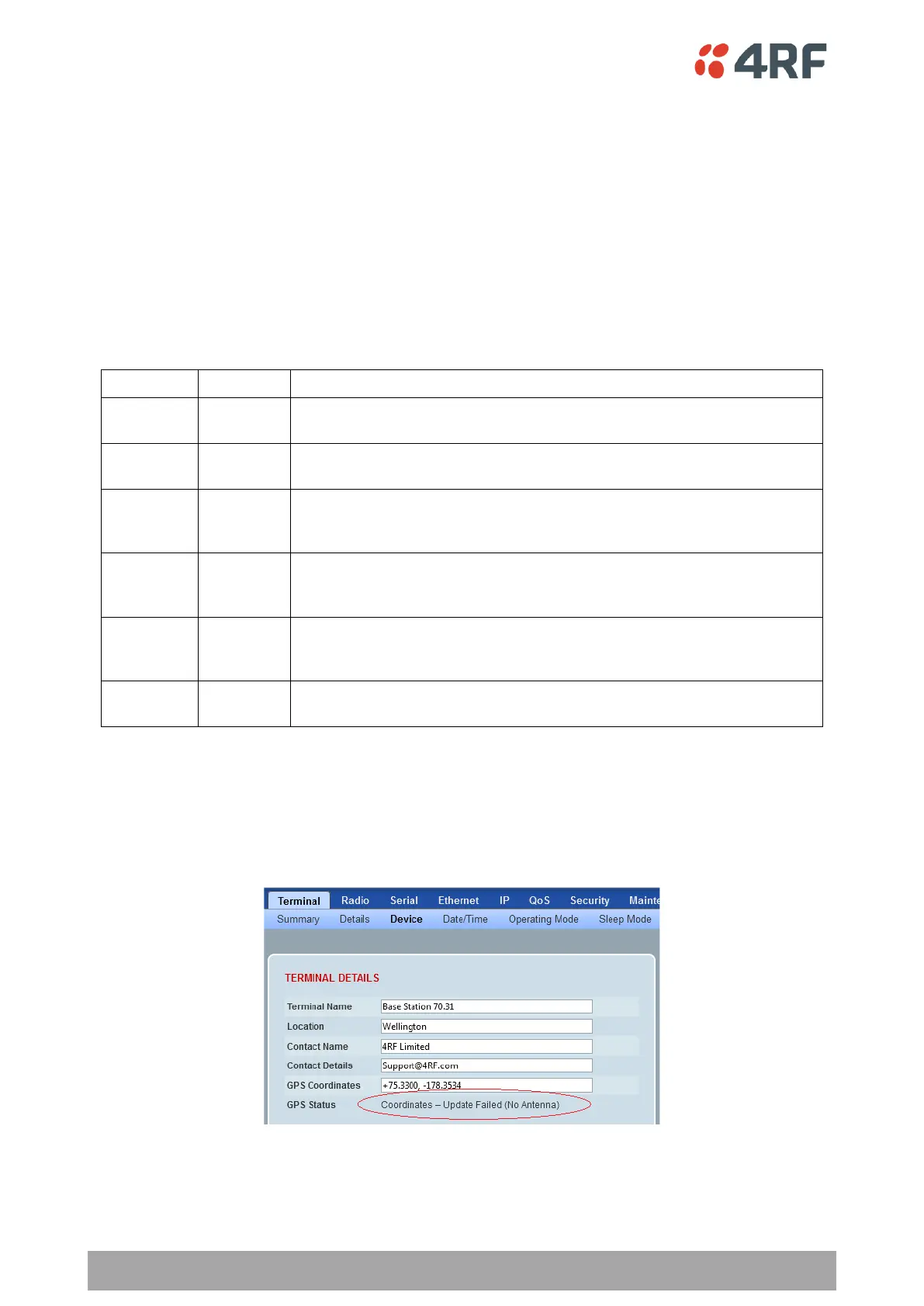
GPS Status
This field displays the status of the GPS Receiver if enabled (see ‘GPS Receiver’ on page 167).
The GPS Horizontal Dilution Of Precision (HDOP) information provides a GPS signal quality rating;
Highest possible confidence level to be used for applications demanding
the highest possible precision at all times.
At this confidence level, positional measurements are considered
accurate enough to meet all but the most sensitive applications.
Represents a level that marks the minimum appropriate for making
business decisions. Positional measurements could be used to make
reliable in-route navigation suggestions to the user.
Positional measurements could be used for calculations, but the fix
quality could still be improved. A more open view of the sky is
recommended.
Represents a low confidence level. Positional measurements should be
discarded or used only to indicate a very rough estimate of the current
location.
At this level, measurements are inaccurate by as much as 300 meters with
a 6-meter accurate device (50 DOP × 6 meters) and should be discarded.
Controls
The Update GPS button updates the GPS Coordinates field from the installed USB GPS Receiver.
If the GPS Receiver is enabled but is not operating or not receiving a valid GPS signal, the GPS Status will
show ‘Update Failed’.



 To Next Page