Aprisa SR+ User Manual 1.11.1
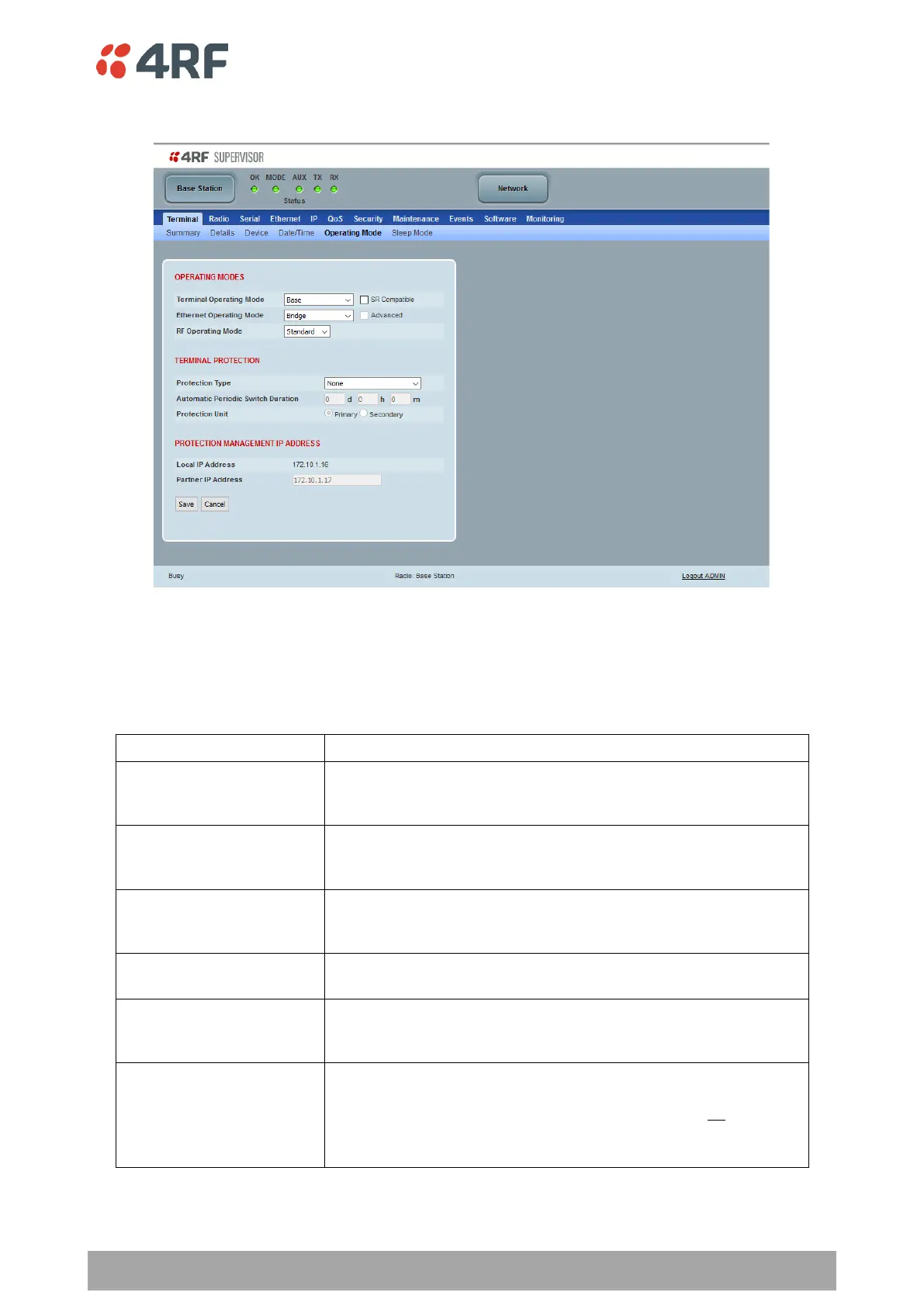
Terminal > Operating Mode
OPERATING MODES
Terminal Operating Mode
The Terminal Operating Mode can be set to Base, Base Repeater, Repeater, Remote or Point-To-Point
station. The default setting is Remote.
The base station manages all traffic activity between itself,
repeaters and remotes. It is the center-point of network where in
most cases will be connected to a SCADA master.
The base-repeater has the same function as the base station (and
repeater station) but used when peer to peer connections between
remotes is required via the base station.
The Base-MMS has the same function as the base station but used
when Migration Station operation is required (see Aprisa SR+ MMS
User Manual).
The repeater forwards packets coming from base station and other
repeaters e.g. in daisy chain LBS mode and /or remote radios.
The remote in most cases is used as the end-point of the SCADA
network connected to an RTU or PLC device for SCADA network
control and monitoring.
Configures a full duplex radio for Point-to-point (PTP) operation.
Changing from PMP or PTP or vice versa requires the radio to be
‘restored to factory default settings’ which will clear all previous
radio setup and configuration.
See ‘Point-To-Point’ section on page 402.



 To Next Page