Aprisa SR+ User Manual 1.11.1
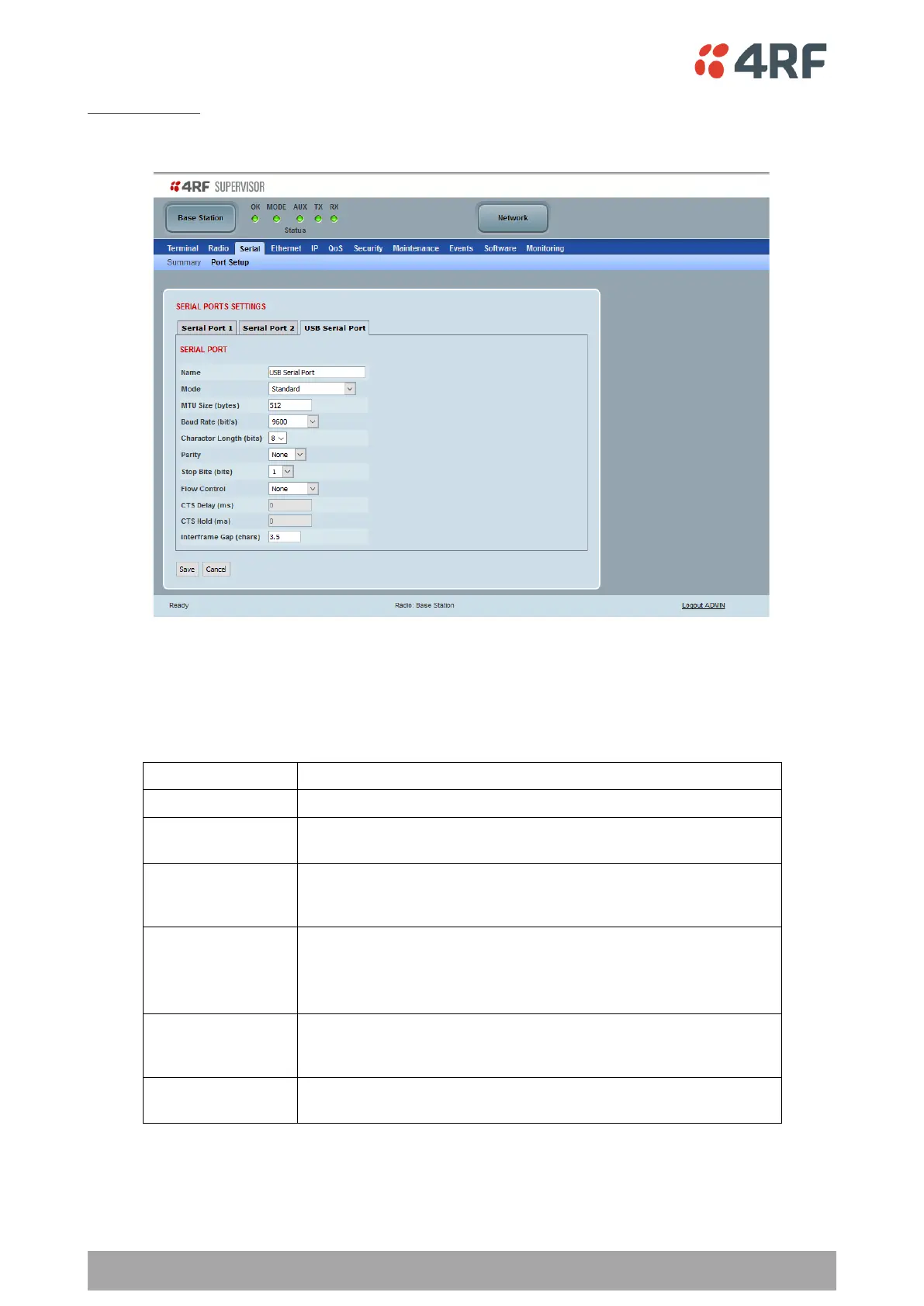
USB Serial Ports
This page provides the setup for the USB serial port settings.
SERIAL PORTS SETTINGS
Mode
This parameter defines the mode of operation of the serial port. The default setting is Disabled.
The serial port is not required.
The serial port is communicating with serial ports on other
stations.
This mode when used with a small MTU setting provides reduced
latency without introducing gaps in the serial stream by taking
exclusive control of the radio channel.
A base station Ethernet port can communicate with both Ethernet
ports and serial ports on remote radios.
RS-232 traffic is encapsulated in IP packets (see ‘Serial > Port
Setup’ Terminal Server on page 160).
The USB host port can be used to access the radio Command Line
Interface (CLI). A USB converter to RS-232 convertor will be
required to connect to a PC.
Set if a GPS receiver device is plugged into the radio USB port (see
‘GPS Receiver’ on page 167).



 To Next Page