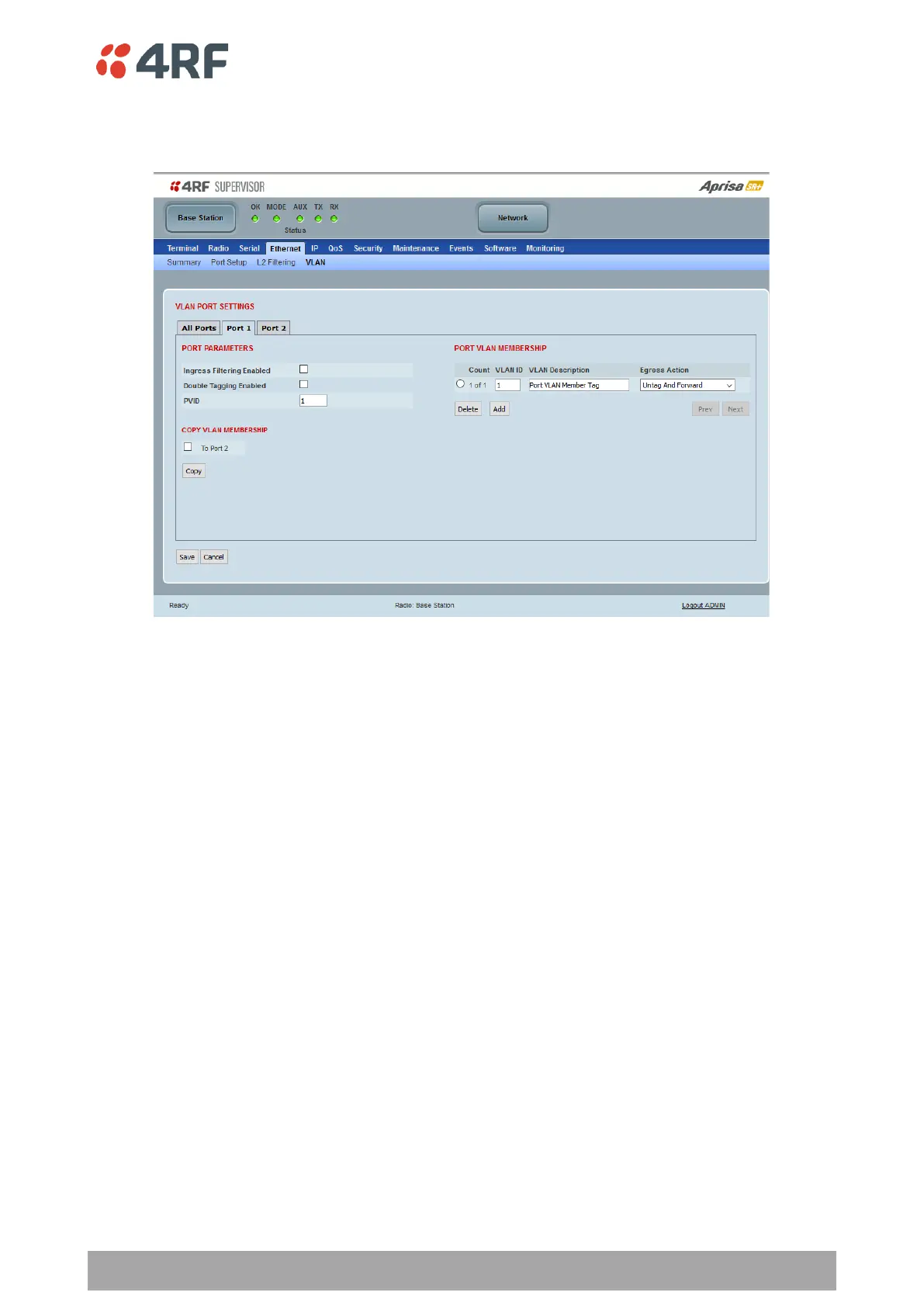
VLAN PORT SETTINGS – Port 1
This example is shown for the product option of 2E2S i.e. two Ethernet ports.
PORT PARAMETERS
Ingress Filtering Enabled
This parameter enables ingress filtering. When enabled, if ingress VLAN ID is not included in its member set
(inner tagged), the frame will be discarded.
If the Ingress Filtering is disabled, the Aprisa SR+ supports ‘Admit All Frames’ so that all frames tagged,
untagged and priority-tagged-frames are allowed to pass through the Ethernet ports. The default is disabled.
Double Tagging Enabled
This parameter enables double tagging on this specific port. When enabled, if the ingress traffic is double
tagged, the Aprisa SR+ will check and validate that the S-VLAN ID matches the S-VLAN defined in 'Double
Tag Egress S-VLAN ID' in the 'all ports' tab. If there is a match, the packet will be forwarded into the Bridge
and the S-VLAN outer tag will be removed, thus the radio network will only forward a single VLAN. If there
isn’t a matching S-VLAN, the packet will be discarded. On egress, the outer tag (S-VLAN) is appended with
the 'Double Tag Egress S-VLAN ID' defined in the 'all ports' tab (see page 173). The default is disabled.



 To Next Page