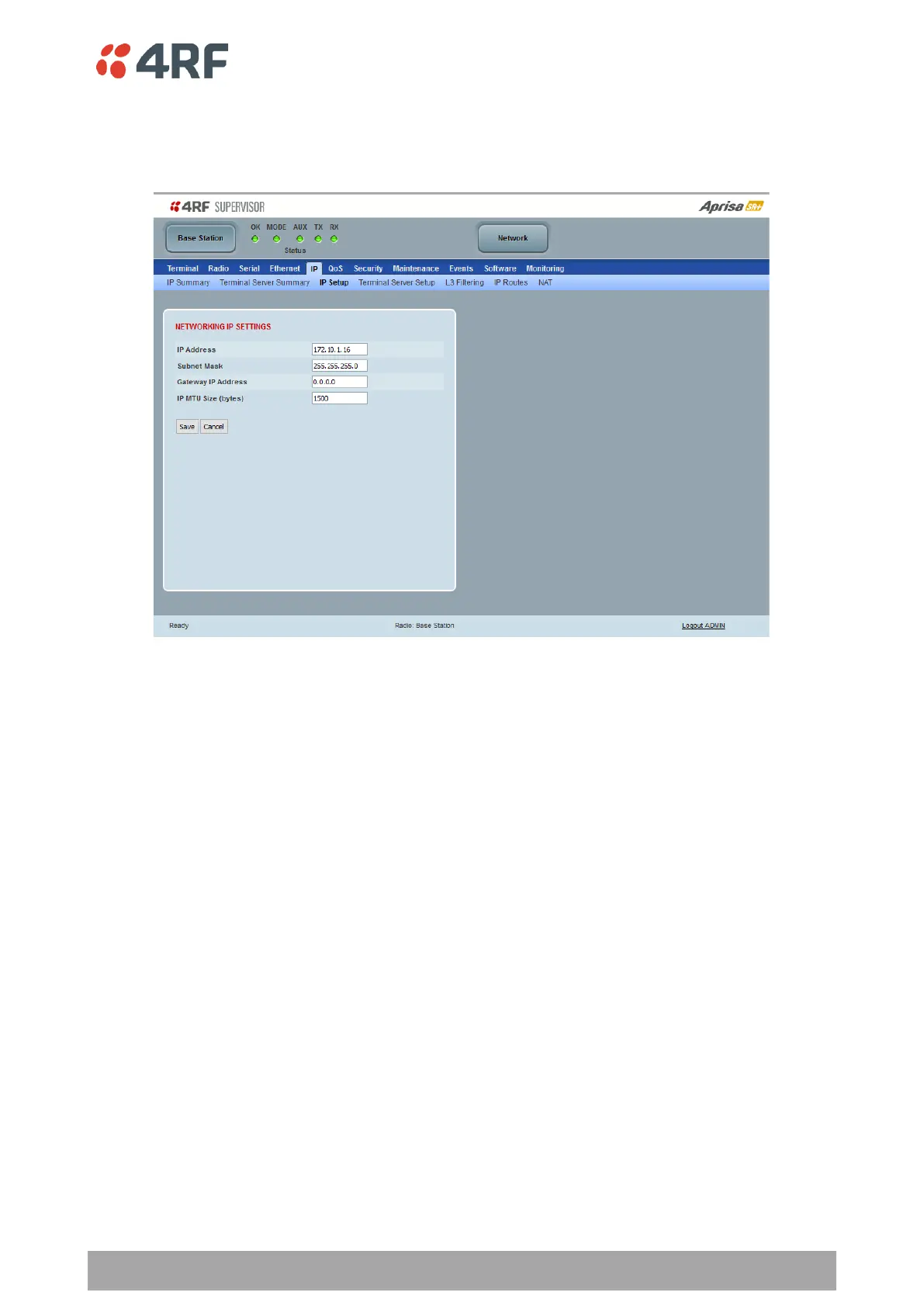
IP > IP Setup > Bridge / Gateway Router Modes
This page provides the setup for the IP Settings for an Ethernet Operating Mode of ‘Bridge’ or ‘Gateway
Router’.
NETWORKING IP SETTINGS
IP Address
Set the static IP Address of the radio (Management and Ethernet ports) assigned by your site network
administrator using the standard format xxx.xxx.xxx.xxx. This IP address is used both in Bridge mode and in
Router mode. The default IP address is in the range 169.254.50.10.
Subnet Mask
Set the Subnet Mask of the radio (Management and Ethernet ports) using the standard format
xxx.xxx.xxx.xxx. The default subnet mask is 255.255.0.0 (/16).
Gateway
Set the Gateway address of the radio, if required, using the standard format xxx.xxx.xxx.
A default gateway is the node on the network that traffic is directed to when an IP address does not match
any other routes in the routing table. It can be the IP address of the router or PC connected to the base
station. The default gateway commonly connects the internal radio network and the outside network. The
default Gateway is 0.0.0.0.
IP MTU Size (bytes)
Sets the IP Maximum Transmission Unit (MTU).
The IP MTU can be configured on each IP interface to improve compatibility and/or performance when
integrating with devices using smaller than standard MTU sizes. The default setting is 1500.



 To Next Page