Reset SNMPv3 Unknown Passphrases with a CLI command
As it is not possible for users to read previously set passphrases, a CLI command is available from Aprisa SR+
software release 1.4.0 to ‘reset’ the SNMPv3 USM users back to defaults.
Note: USM users are not related to CLI and SuperVisor users. This command will only be accessible to the
CLI ‘admin’ user logins.
To reset unknown passphrases:
1. Telnet into each radio in the network and via the CLI reset the passphrases
2. Login to the radio with:
Login: admin
Password: *********
3. Set all SNMP3 users to default values with the ‘snmpusm reset’ command (see ‘SNMP3 users to default
values’ below for the list of default values).
4. Reboot the radio with the ‘reboot’ command.
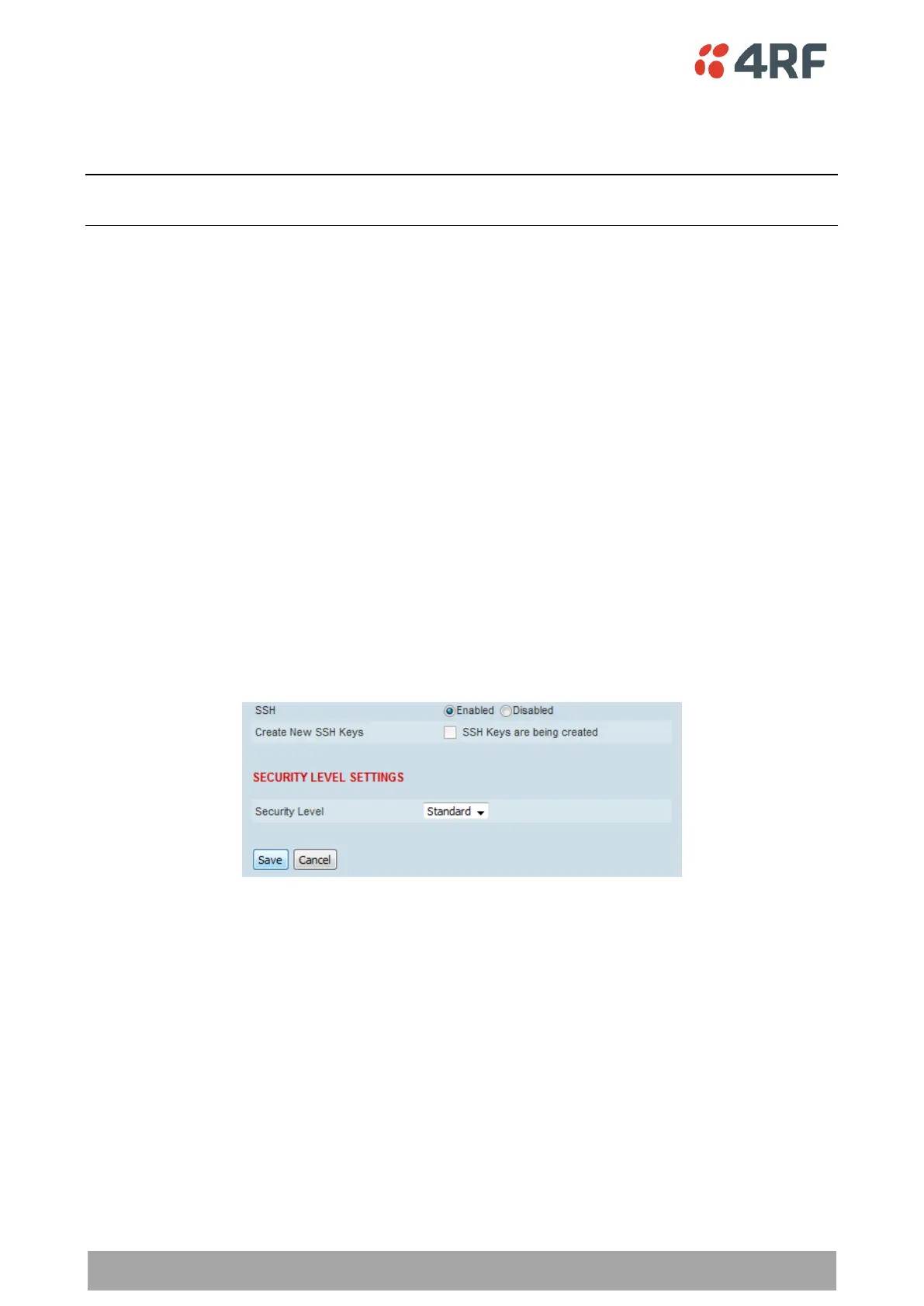
SSH
This parameter enables / disables Secure Shell (SSH). The default setting is enabled.
Create New SSH Keys
This parameter creates a replacement public and private SSH keys.
Tick the check box and click Save. This process can take a few minutes.
Network Extension Mode
This parameter enables this radio to be part of the extended network radio list. The default setting is
disabled.



 To Next Page