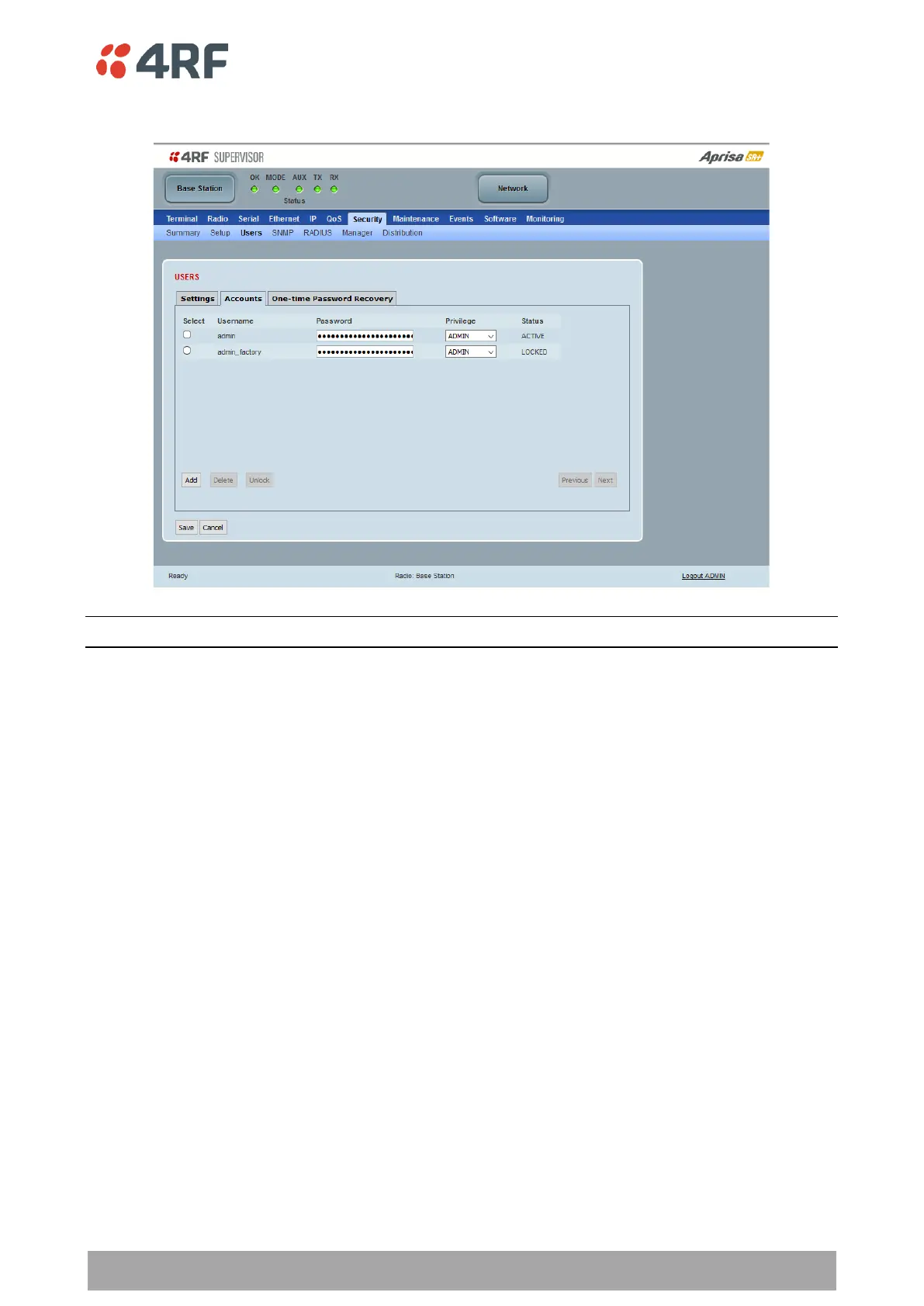
Accounts
Note: You must login with ‘admin’ privileges to add, disable, delete a user or change a password.
Shows a list of the current user accounts setup in the radio.
To add a new user:
1. Click Add.
If the currently viewed page is full (displaying 8 user accounts), SuperVisor shall automatically display the
last user account page when a new user is added. However, if there are unsaved changes on the current
page, the user shall be prompted to save the changes first before adding a new user.
2. Enter the Username.
A username can be up to 32 characters but cannot contain tabs. Usernames are case sensitive.



 To Next Page