3. Enter the Password.
A password can be 8 to 32 printable characters but cannot contain tabs. Passwords are case sensitive.
Good password policy:
• contains at least one upper case letter, and
• contains at least one lower case letter, and
• contains at least one digit, and
• is not a term in a familiar language or jargon, and
• is not identical to or derived from the accompanying account name, from personal characteristics
or from information from one’s family/social circle, and
• is easy to remember, for instance by means of a key sentence
4. Select the User Privileges
There are four pre-defined User Privilege settings to allocate access rights to users. These user privileges
have associated default usernames and passwords of the same name.
The default login is ‘admin’.
This login has full access to all radio parameters including the ability to add and change users. There can
only be a maximum of two usernames with admin privileges and the last username with admin privileges
cannot be deleted.
See ‘SuperVisor Menu’ on page 103 for the list of SuperVisor menu items versus user privileges.
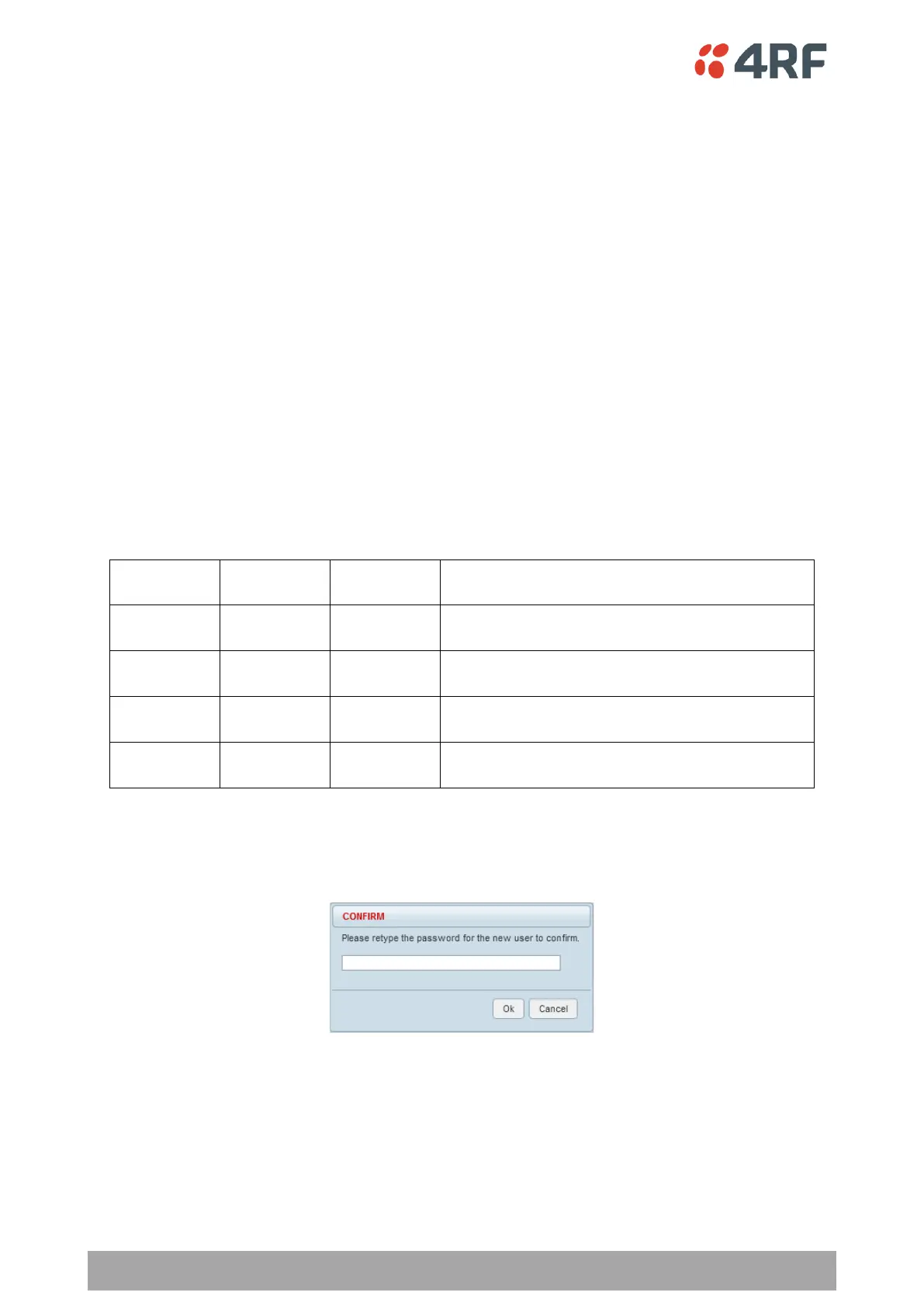
When the password is changed, you will be prompted for confirmation of the password to avoid mistypes.
The Status will show PENDING until the entry is saved.
5. Click Save.



 To Next Page