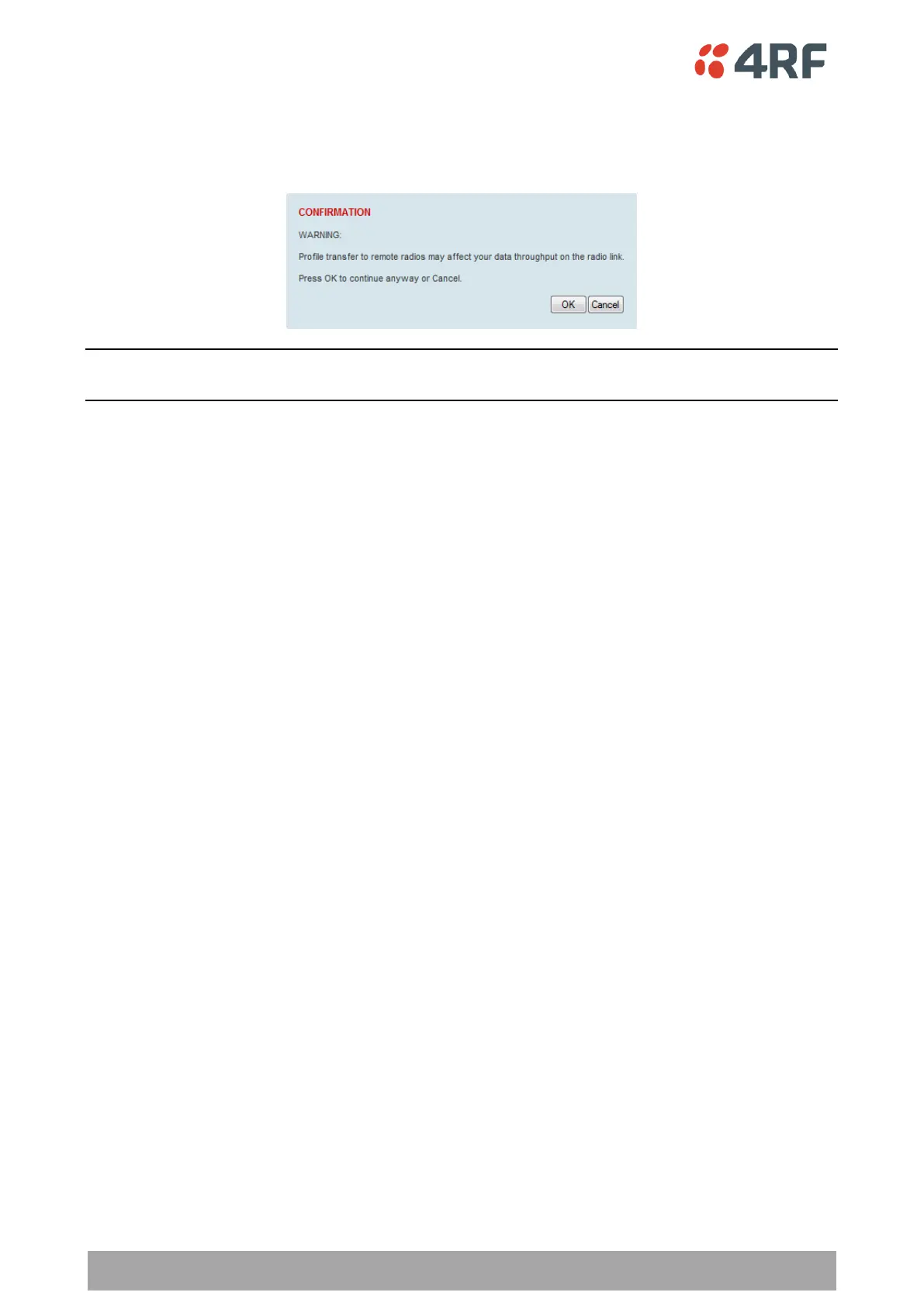
To distribute the payload security profile to remote radios:
This process assumes that a payload security profile has been setup (see ‘Security > Setup’ on page 227).
1. Tick Start Transfer and click Apply.
Note: This process could take up to 1 minute per radio depending on channel size, Ethernet Management
Priority setting and the amount of customer traffic on the network.
2. When the distribution is completed, activate the software with the Remote Payload Security Profile
Activation.



 To Next Page