REMOTE PAYLOAD SECURITY PROFILE ACTIVATION
When the security profile has been distributed to all the remote radios, the security profile is then activated
in all the remote radios with this command.
The base station will always attempt to distribute the profile successfully. This broadcast distribution has
its own retry mechanism. The user can find out if all the remote radios have the latest profile when the
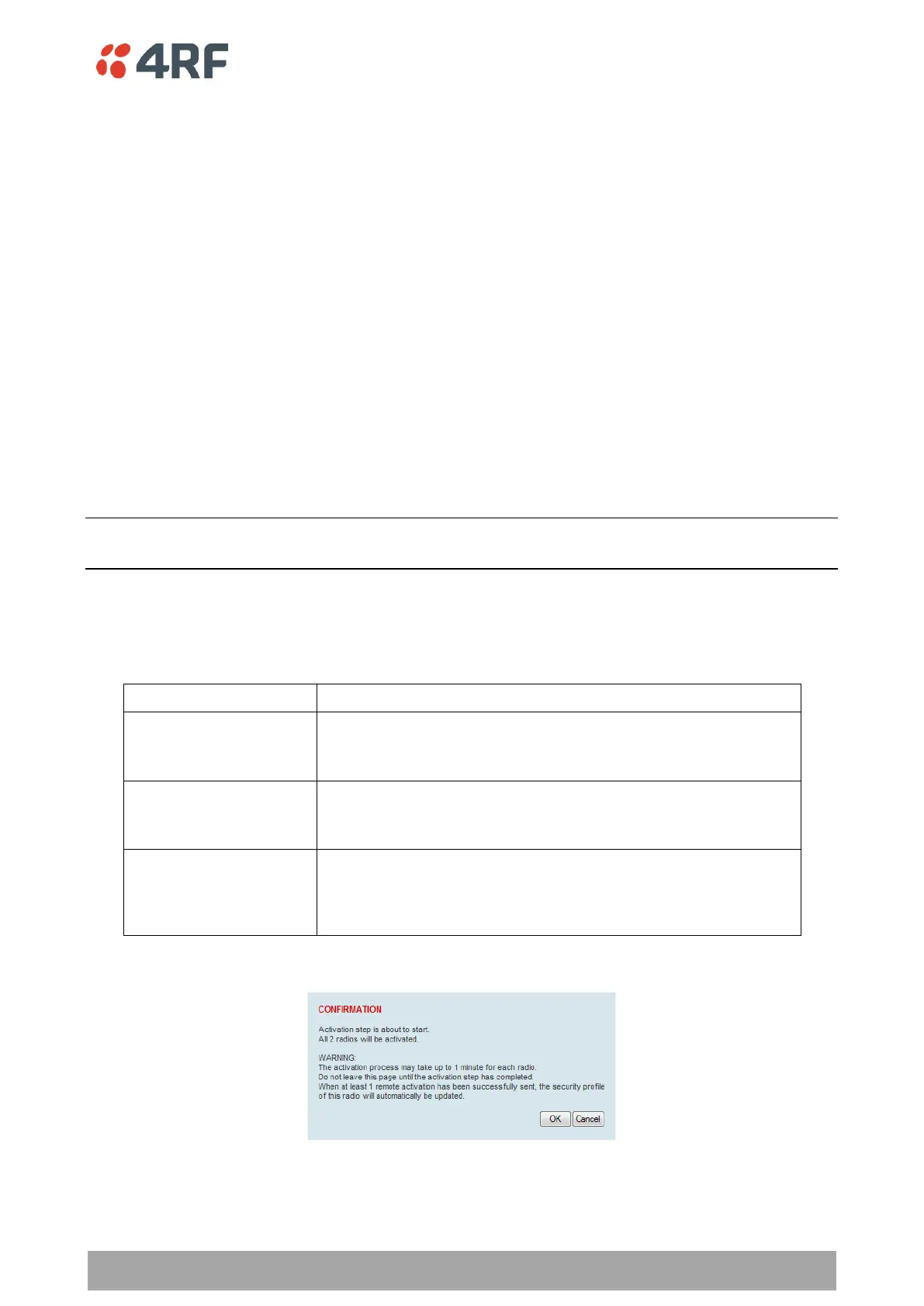
managed activation process is attempted. A pop up confirmation will be shown by SuperVisor with relevant
information and the user can decide to proceed or not. The user can attempt to redistribute again if needed.
If the decision is made to continue, on completion of the activation process, communication with the remote
radios that did not have the new security profile will be lost.
Predefined Profile Name
This parameter displays the predefined security profile available for activation on all remote radios.
To activate the security profile in remote radios:
This process assumes that a security profile has been setup into the base station (see ‘Security > Setup’ on
page 227) and distributed to all remote radios in the network.
Note: Do not navigate SuperVisor away from this page during the activation process (SuperVisor can lose PC
focus).
1. Click Start Activation
The remote radios will be polled to determine which radios require activation:
X is the number of radios polled to determine if the radio contains
the new security profile.
Y is the number of remote radios registered with the base station.



 To Next Page