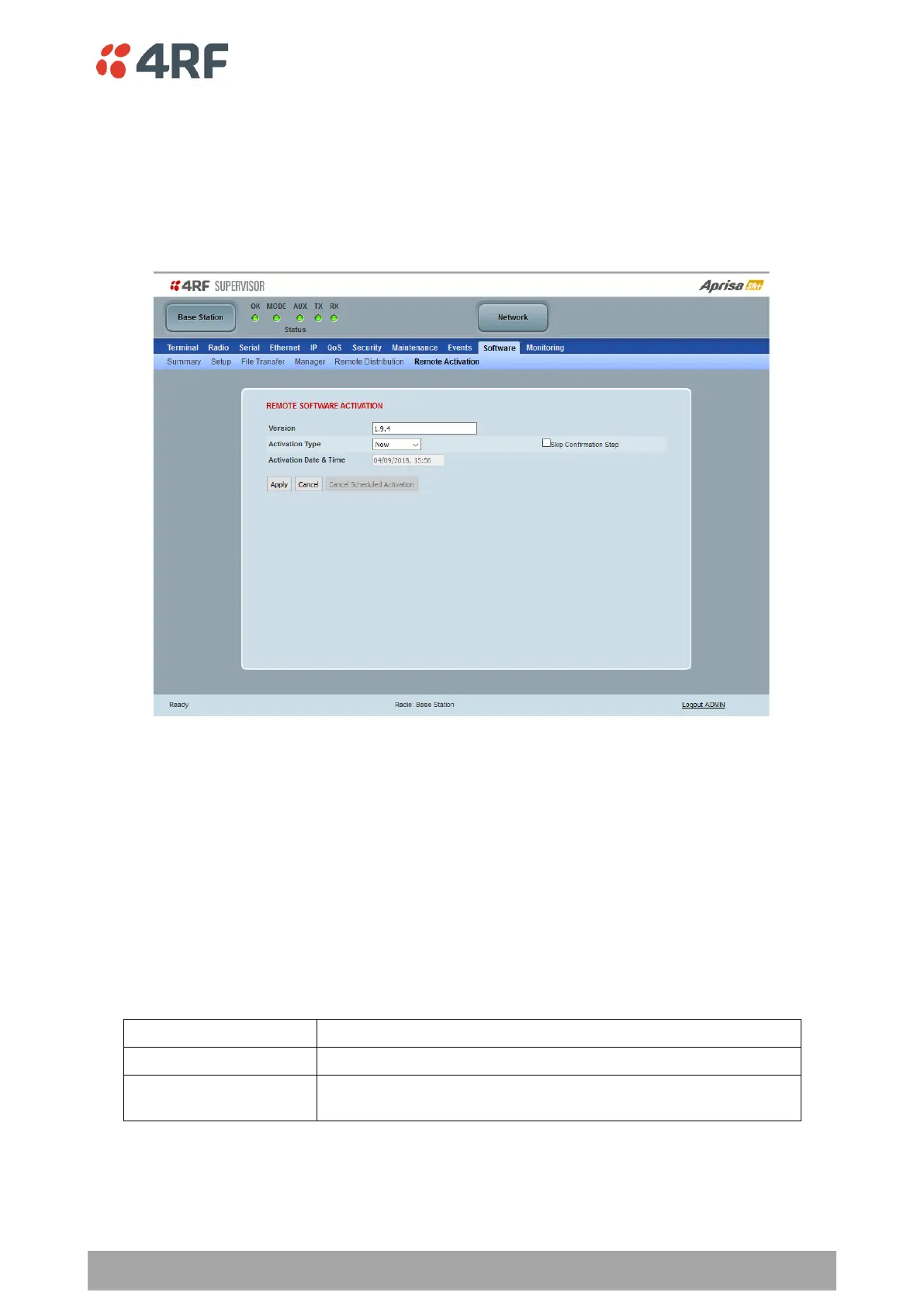
Software > Remote Activation
This page provides the mechanism to activate software on all remote radios.
The Software Pack was loaded into the base station with the file transfer process (see ‘Software > File
Transfer’ on page 293) and was distributed via the radio link to all remote radios.
This page is used to manage the activation of that software pack on all remote radios on the network.
This page is only available when the radio is configured as a Base Station.
REMOTE SOFTWARE ACTIVATION
When the software pack version has been distributed to all the remote radios, the software is then activated
in all the remote radios with this command. If successful, then activate the software pack in the base station
to complete the network upgrade.
Version
This parameter displays the software version for activation. The default version is the software pack version
but any valid software version can be entered in the format ‘n.n.n’.
Activation Type
This parameter sets when the software pack activation will occur.



 To Next Page