Aprisa SR+ User Manual 1.11.1
NETWORK SUMMARY
A network poll will start when any of the Network Status pages are opened (Summary, Exceptions or View).
The network poll will only continue to poll the remote radios if one of the Network Status pages is open
(SuperVisor can lose PC focus). The network poll continues from where it was stopped last time it was
polling.
The initial result assumes that all remote radios are operating correctly.
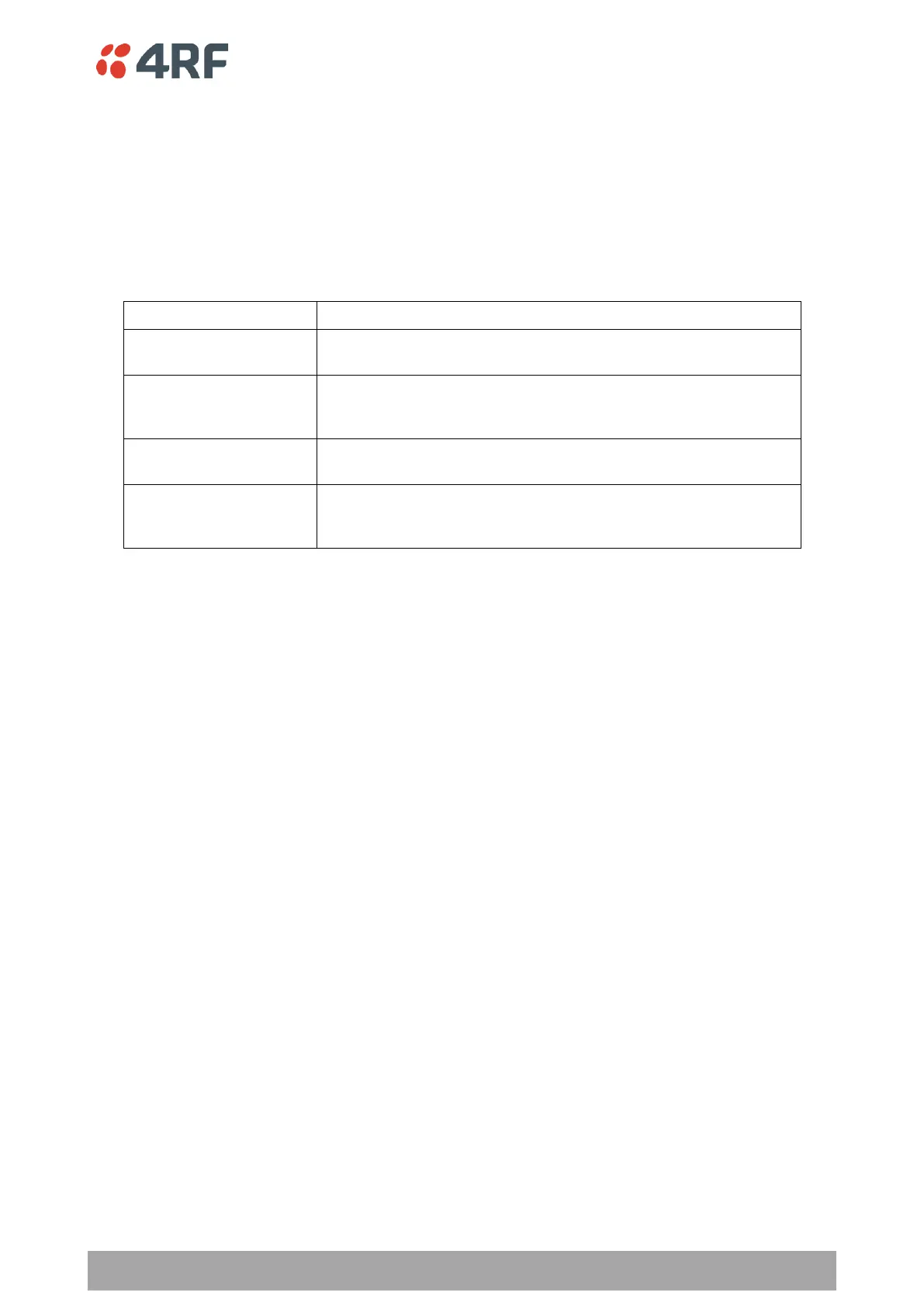
Network Summary Example:
The number of poll cycles since first opening a Network Status >
Summary, Exceptions or View page.
This shows the number of remote radios polled for the current
polling cycle out of the number of remote radios registered with
the base station.
This shows the number of extended network radios polled for the
current polling cycle out of the total extended network radios.
The time interval between the completion of one radio poll and
the start of the next radio poll. To set the polling interval, see
‘Maintenance > General’ on page 261.
If a remote radio does not respond to a poll request within 10 seconds, the previous readings from that radio
will be presented. Connectivity to a remote radio will be show as ‘lost’ if the remote radio has not responded
to 3 consecutive poll requests.



 To Next Page