If a remote radio does not respond to a poll request within 10 seconds, the previous readings from that radio
will be presented. Connectivity to a remote radio will be show as ‘lost’ if the remote radio has not responded
to 3 consecutive poll requests.
Events Summary
Clicking on Events Summary navigates to the Events page (see ‘Events > Alarm Summary’ on page 278) for
the specific remote radio where the radio events will be displayed.
Monitored Parameters
Clicking on Monitored Parameters navigates to the Monitoring page (see ‘Monitoring’ on page 308) for the
specific remote radio where the radio parameters will be displayed.
Controls
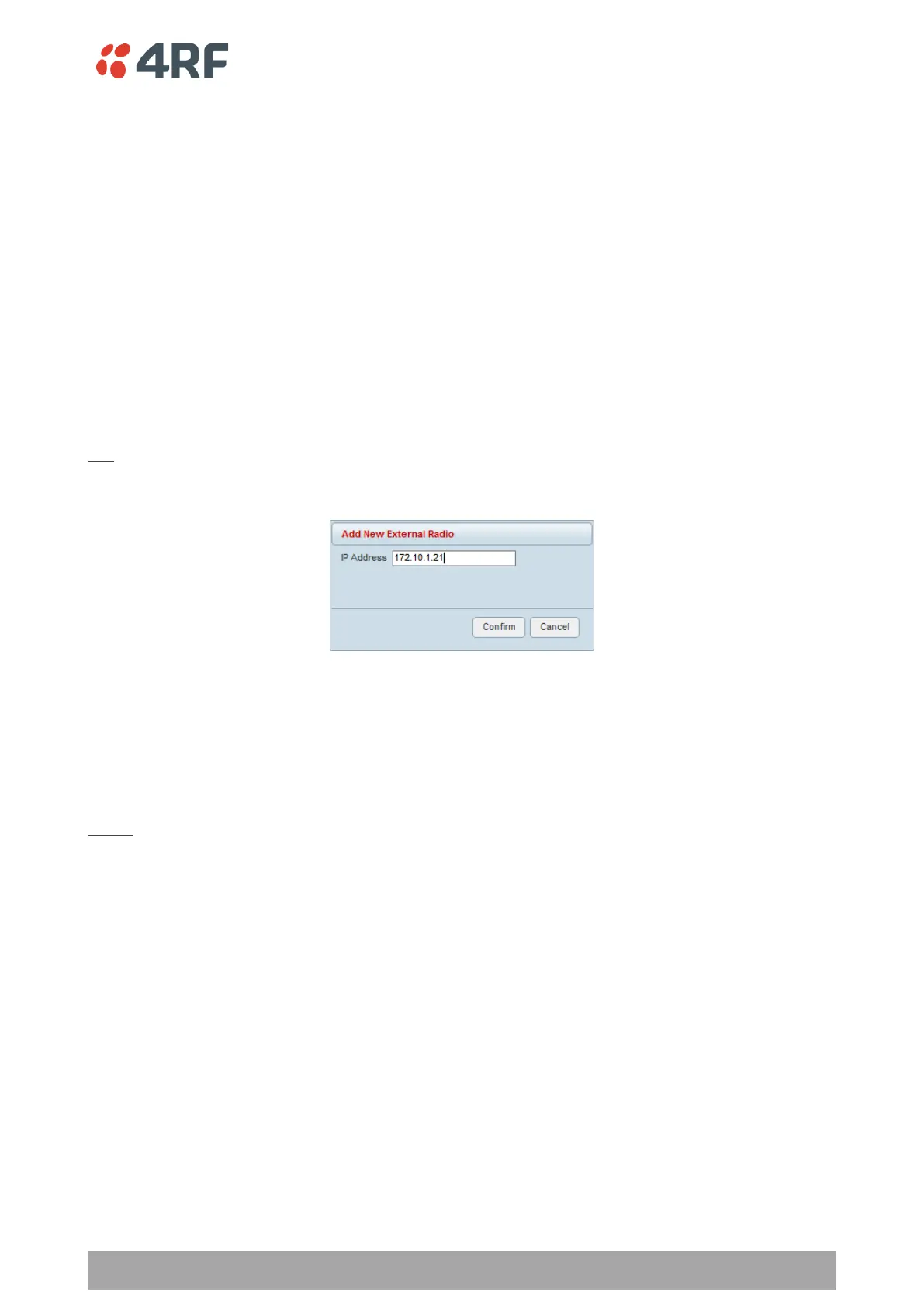
Add
The Add button adds a radio to the extended network radio list.
An error message will warn the user if the IP address entered is not a radio in the external network.
A maximum of 480 external radios can be added to the monitoring list but only the first 24 radios will be
saved. If the user adds external radios beyond the first 24, an additional informational message will be
displayed in the pop up box to inform the user that these entries will not be saved and will be lost when
logging out of SuperVisor.
Delete
Deletes the selected radio from the extended network radio list.



 To Next Page