Aprisa SR+ User Manual 1.11.1
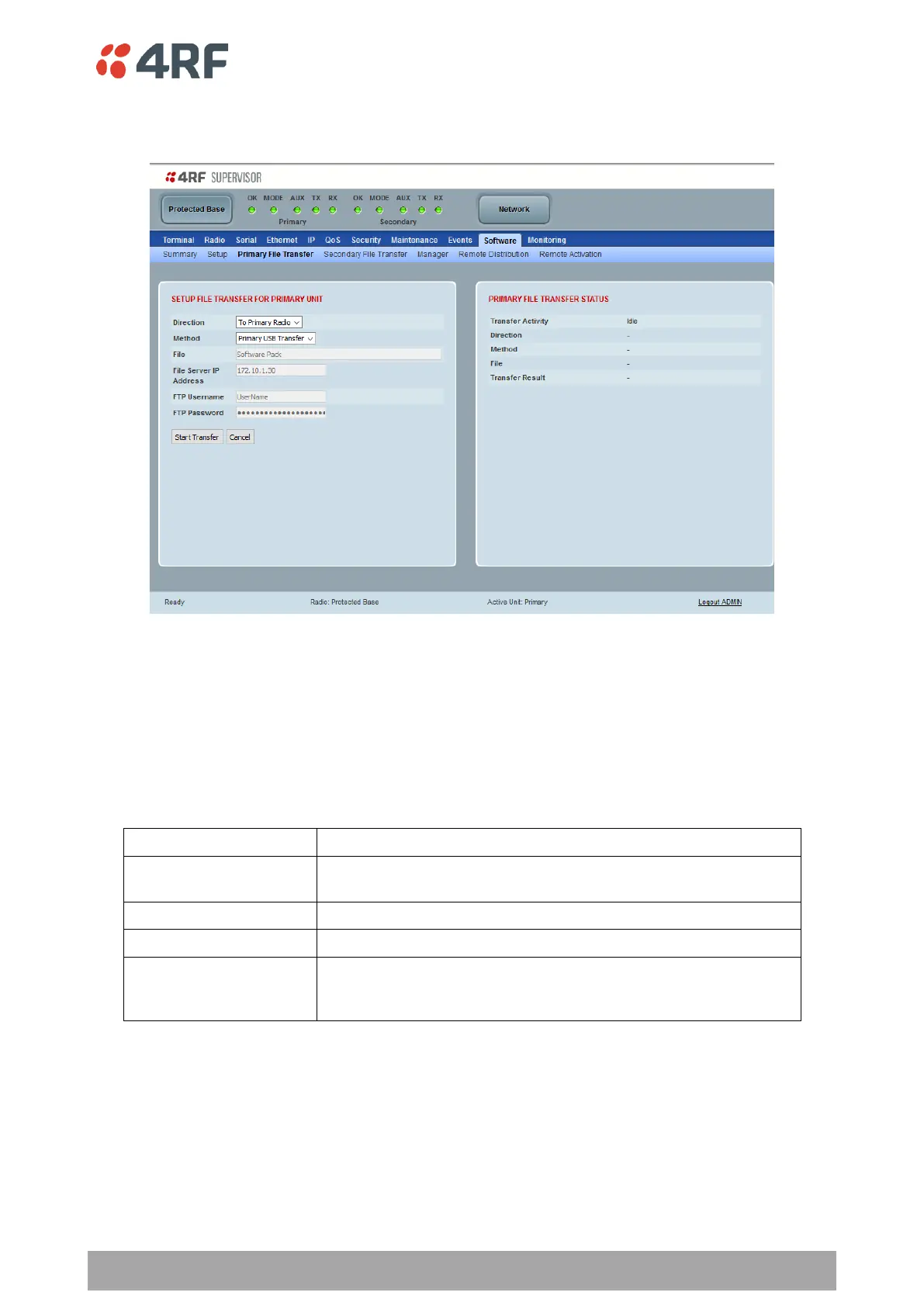
Protected Station: Software > Primary File Transfer
This page provides the mechanism to transfer new software from a file source into the primary radio.
SETUP FILE TRANSFER FOR PRIMARY UNIT
Direction
This parameter sets the direction of file transfer. In this software version, the only choice is ‘To Primary
Radio’.
Method
This parameter sets the method of file transfer.
Transfers the software from the USB flash drive to the primary
radio.
Transfers the software from an FTP server to the primary radio.
Transfers the software from a PC to the primary radio.
Transfer from Secondary
Unit
Transfers the software from the secondary radio to the primary
radio. This function is only available when the Protected Station is
not a Base Station.
PRIMARY FILE TRANSFER STATUS
See ‘Software > File Transfer’ on page 293 for parameter details.



 To Next Page