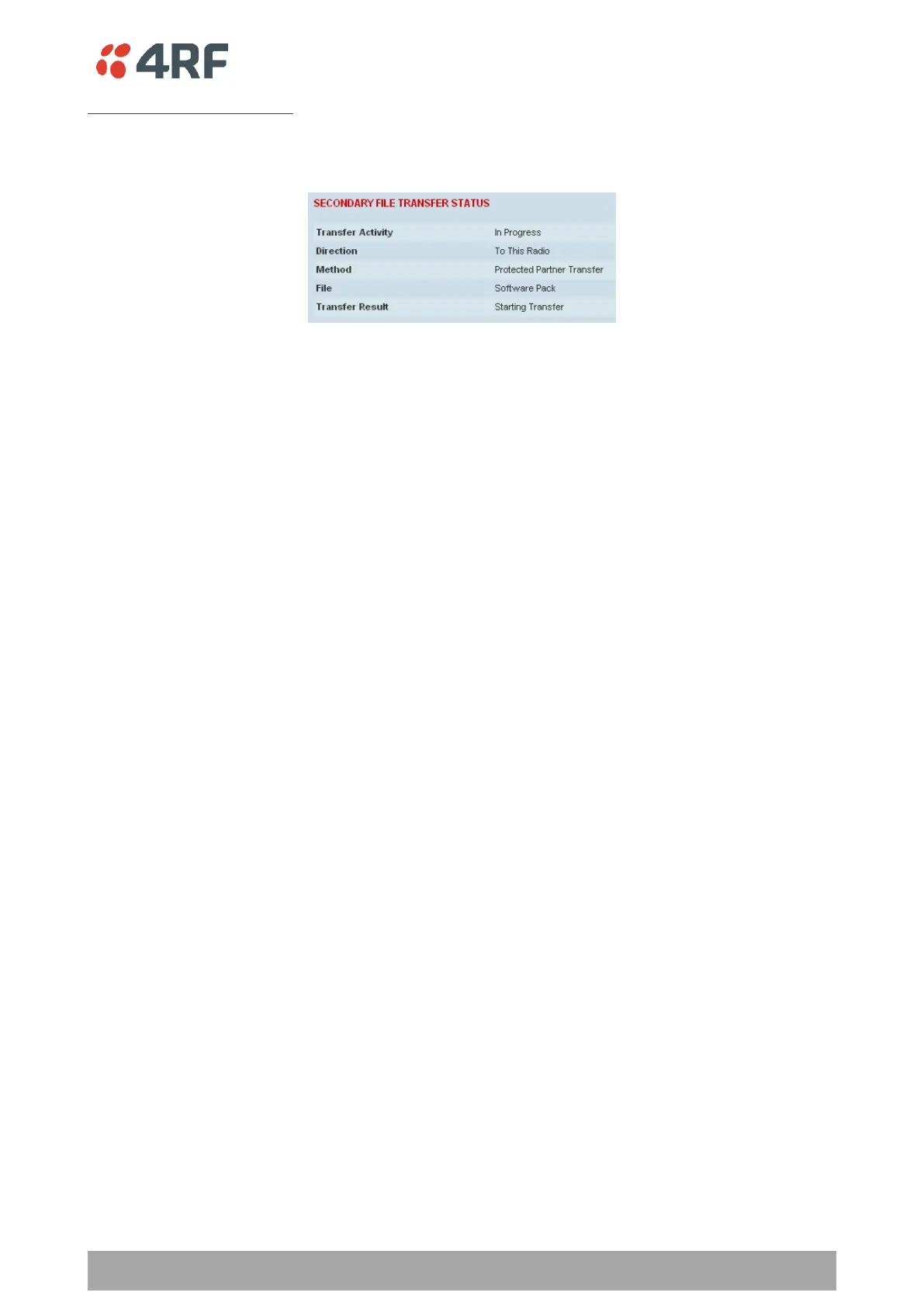
Transfer from Secondary Unit
1. Select Transfer from Secondary Unit.
2. Click on ‘Start Transfer’.
3. Go to ‘Protected Station: Software > Manager’ on page 381 to activate the Software Pack. The radio
will reboot automatically.
If the file transfer fails, check the Event History page (see ‘Protected Station: Events > Secondary History’
on page 371) for more details of the transfer.



 To Next Page