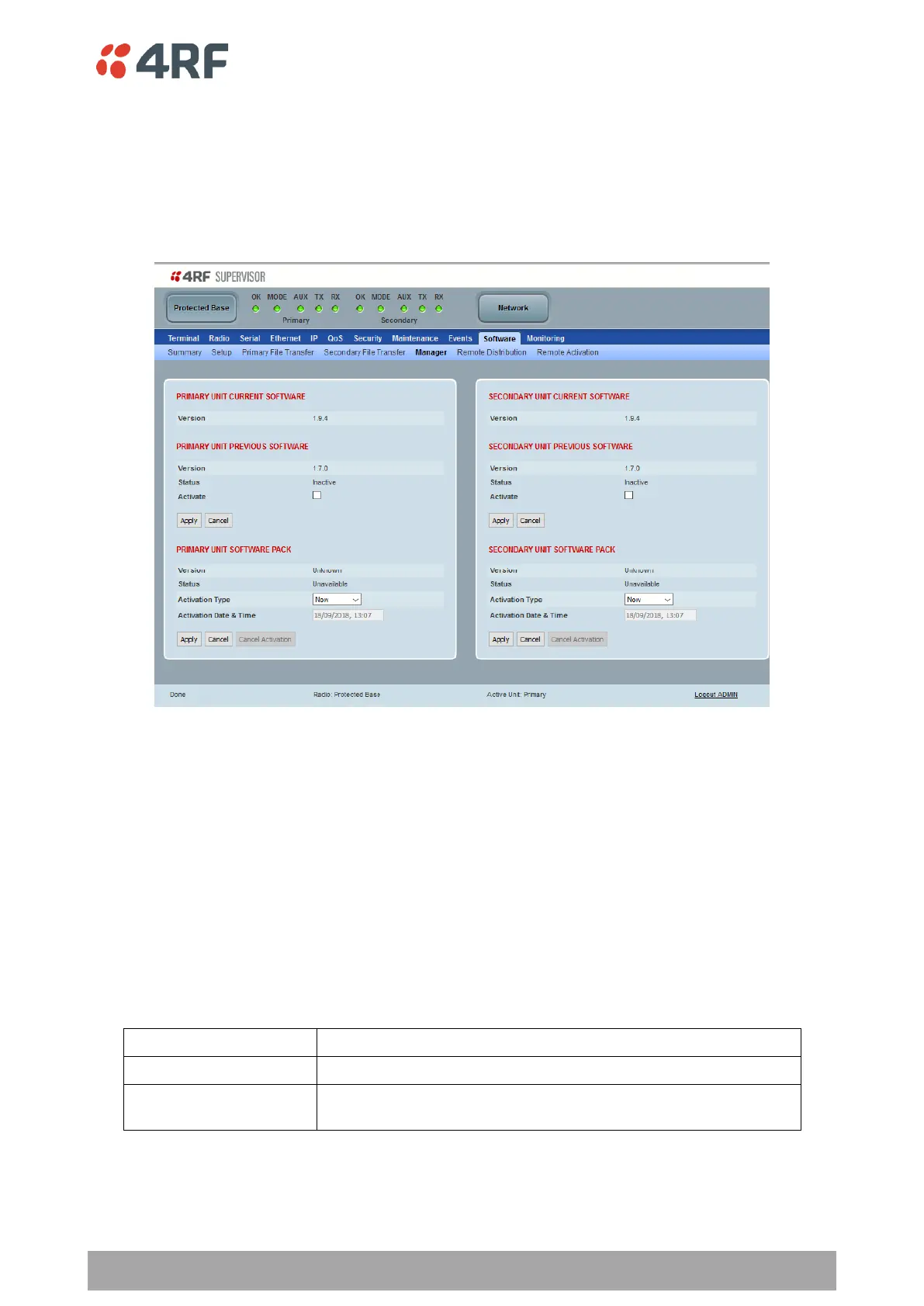
Protected Station: Software > Manager
This page summaries and manages the software versions available in the primary and secondary radios.
The manager is predominantly used to activate new software on single radios. Network activation is
performed with ‘Protected Station: Software > Remote Activation’.
Both the previous software (if available) and Software Pack versions can be activated on each radio from
this page.
PRIMARY / SECONDARY CURRENT SOFTWARE
Version
This parameter displays the software version running on the radio.
PRIMARY / SECONDARY PREVIOUS SOFTWARE
Version
This parameter displays the software version that was running on the radio prior to the current software
being activated.
Status
This parameter displays the status of the software version running on the radio.



 To Next Page