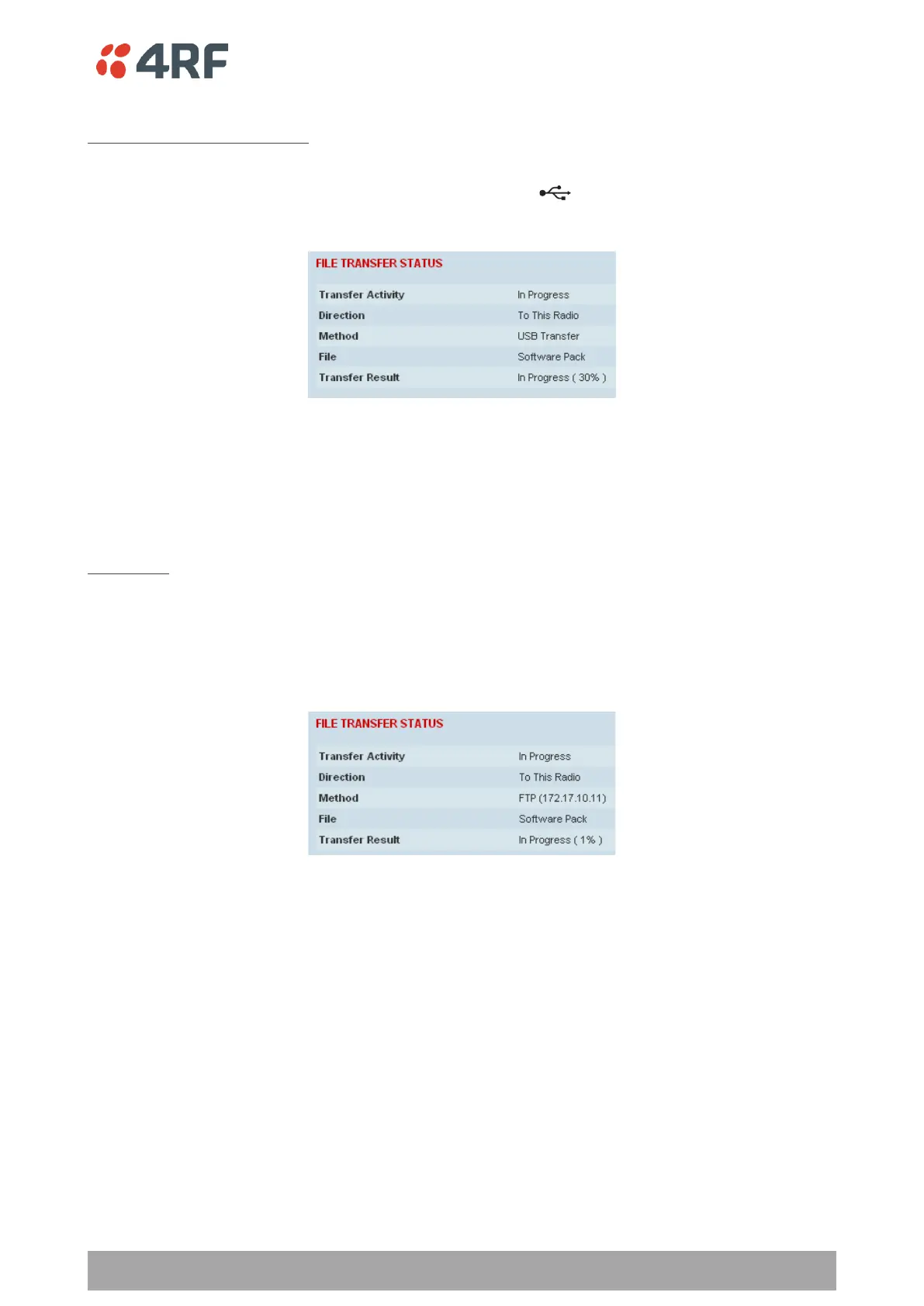
To transfer software into the Aprisa SR+ secondary radio:
Secondary USB Transfer Method
1. Unzip the software release files in to the root directory of a USB flash drive.
2. Insert the USB flash drive into the secondary radio host port .
3. Click on ‘Start Transfer’.
4. When the transfer is completed, remove the USB flash drive from the secondary radio host port. If the
SuperVisor ‘USB Boot Upgrade’ setting is set to ‘Disabled’ (see ‘USB Boot Upgrade’ on page 292), the
USB flash drive doesn’t need to be removed as the radio won’t try to load from it.
5. Go to ‘Protected Station: Software > Manager’ on page 381 to activate the Software Pack. The radio
will reboot automatically.
FTP Method
1. Unzip the software release files in to a temporary directory.
2. Open the FTP server and point it to the temporary directory.
3. Enter the FTP server IP address, Username and password into SuperVisor.
3. Click on ‘Start Transfer’.
4. Go to ‘Protected Station: Software > Manager’ on page 381 to activate the Software Pack. The radio
will reboot automatically.



 To Next Page