ABB EQmatic
Device technology
18 2CDC512090D0202 | QA/S x.yy.1
2.4 Display elements
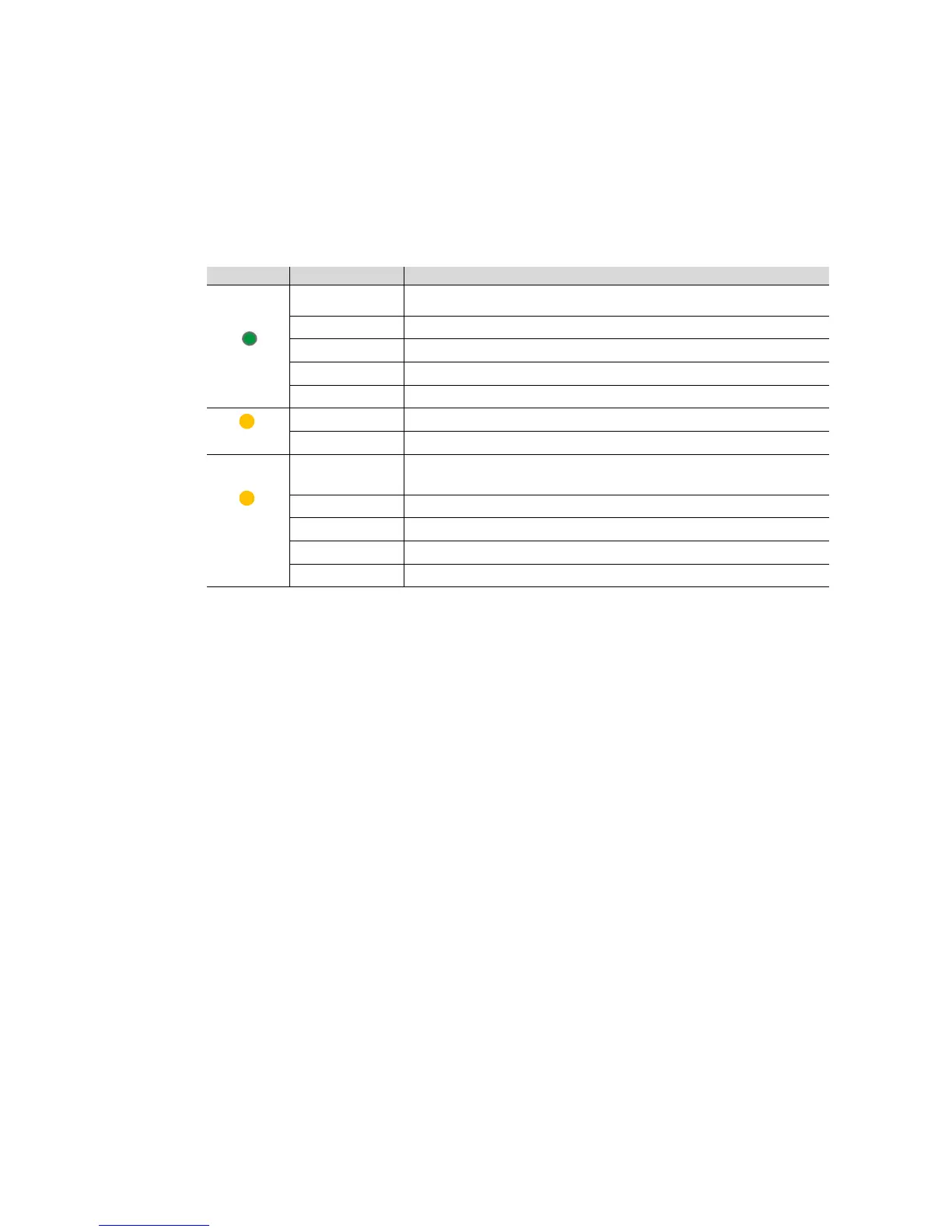
Indicator LEDs are located on the front of the device.
The behavior of the display elements is described in the following table:
ON
ON Operating system initialization complete. Supply voltage present.
The device is ready for operation.
OFF No supply voltage. During operating system initialization.
FLASHING (1 Hz) During initialization.
FLASHING (3 Hz) Network settings reset and device restart.
FLASHING (10 Hz) Factory reset; internal error.
LAN/Link
OFF No supply voltage. No network connection.
FLASHING Network connection OK. Telegram traffic.
M-Bus/
Modbus
RTU
ON Supply voltage OK, device ready for operation and M-Bus/RS-485 Modbus RTU-
Bus is connected.
OFF No supply voltage. M-Bus/RS-485 Modbus RTU not connected.
FLASHING (1 Hz) Scanning process for slaves/devices.
FLASHING (3 Hz) Network settings reset and device restart.
FLASHING (10 Hz) Factory reset.











 To Next Page