ABB EQmatic
Commissioning
QA/S x.yy.1 | 2CDC512090D0202 41
3.2.2.1 Meter configuration (QA/S 4.xx.1 Energy Analyzer, Modbus)
To add or configure new devices, it is necessary to define the meter model as well as the register
mapping and related data points.
General procedure to add to the system a new Modbus device that is not yet saved in the system:
1. Add meter model
2. Select register mapping or configure new mapping
3. Configure data points for register mapping
4. Start scan or add device manually
Here the register mapping and device model can be added in any order.
1. Add meter model
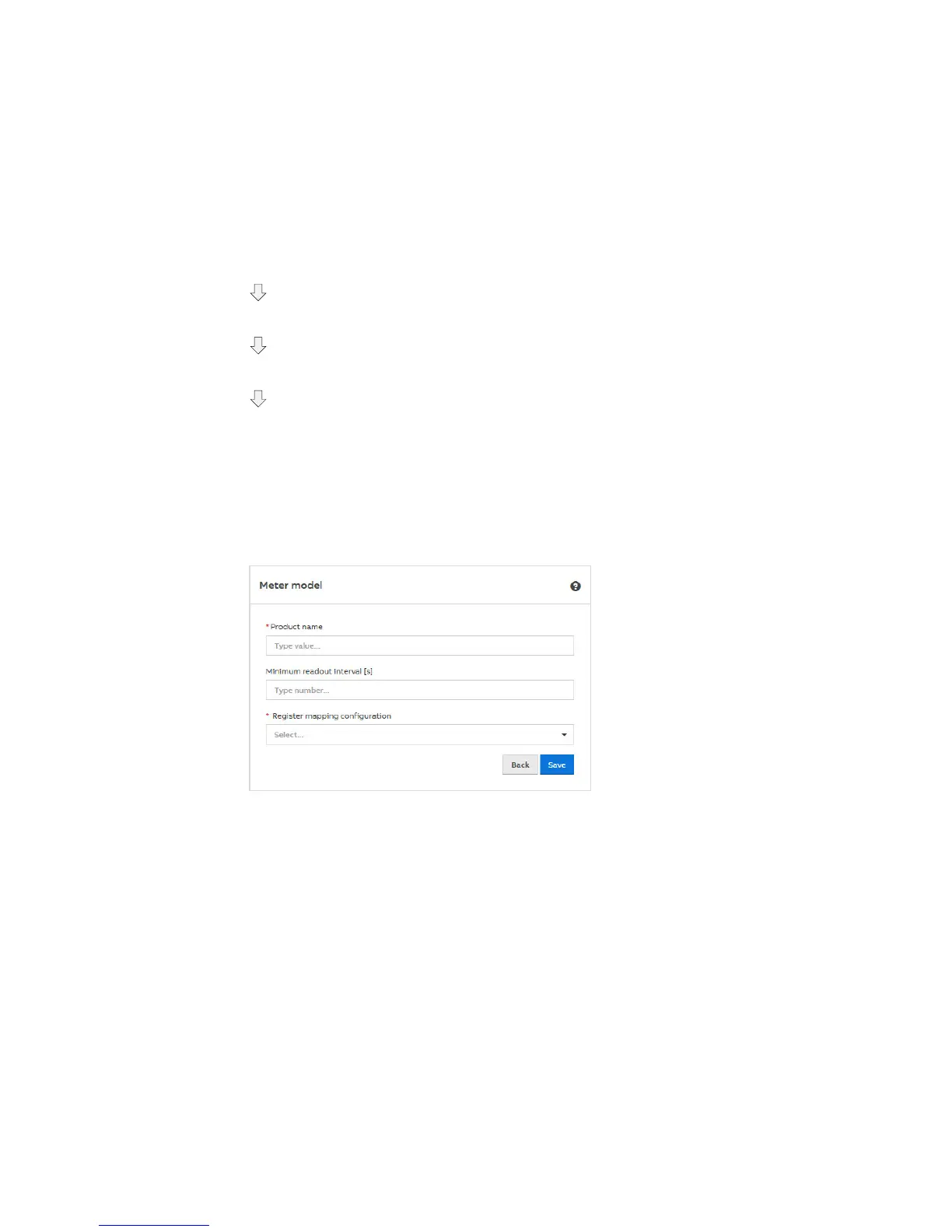
To add one or more device models, open the Management > Meter > Meter models menu and add
a new meter model using the "+ Add" button. The following window then opens:
Enter the product name or type designation (e.g. B23 112-100) and select a register mapping
(e.g. ABB EQ meters) in the Register mapping configuration parameter, and save your settings.
Optionally, you can also create a new register mapping for the device model in the same window.











 To Next Page