ABB EQmatic
Commissioning
42 2CDC512090D0202 | QA/S x.yy.1
2. Register mapping
To configure a new register mapping, open the Management > Meter > Register mapping menu
and add a new register mapping using the "+ Add" button.
Normally you will find the register mapping for the data points in the technical data or in the
manufacturer's description for the related device.
Example for Modbus mapping from a data sheet:
0x8500 4 - - Unsigned
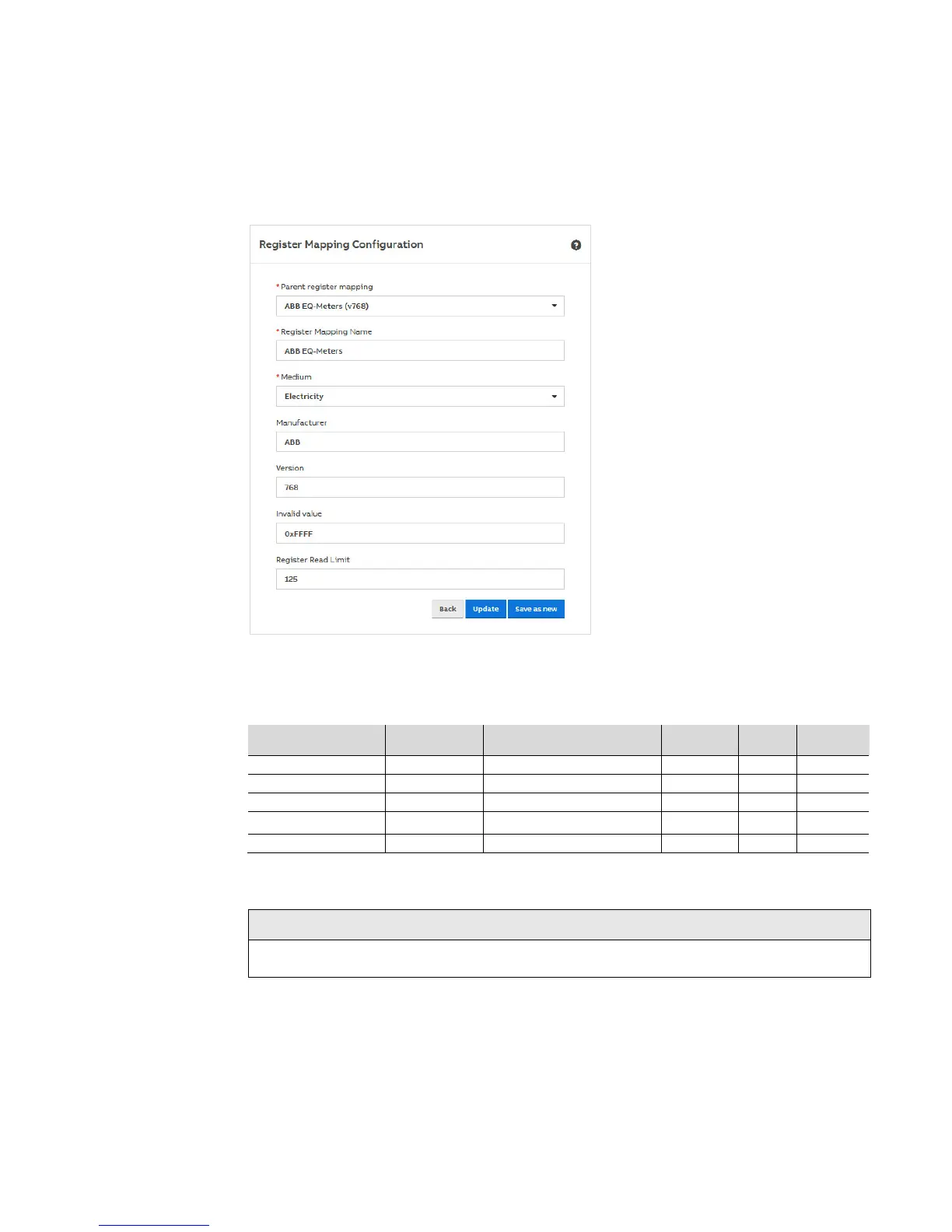
Add to the parameters in the window the specific information for the register mapping (e.g. register
mapping name: ABB EQ meters) and save the settings.
Note
Several versions of a register mapping can exist or be added.











 To Next Page