ABB EQmatic
Commissioning
66 2CDC512090D0202 | QA/S x.yy.1
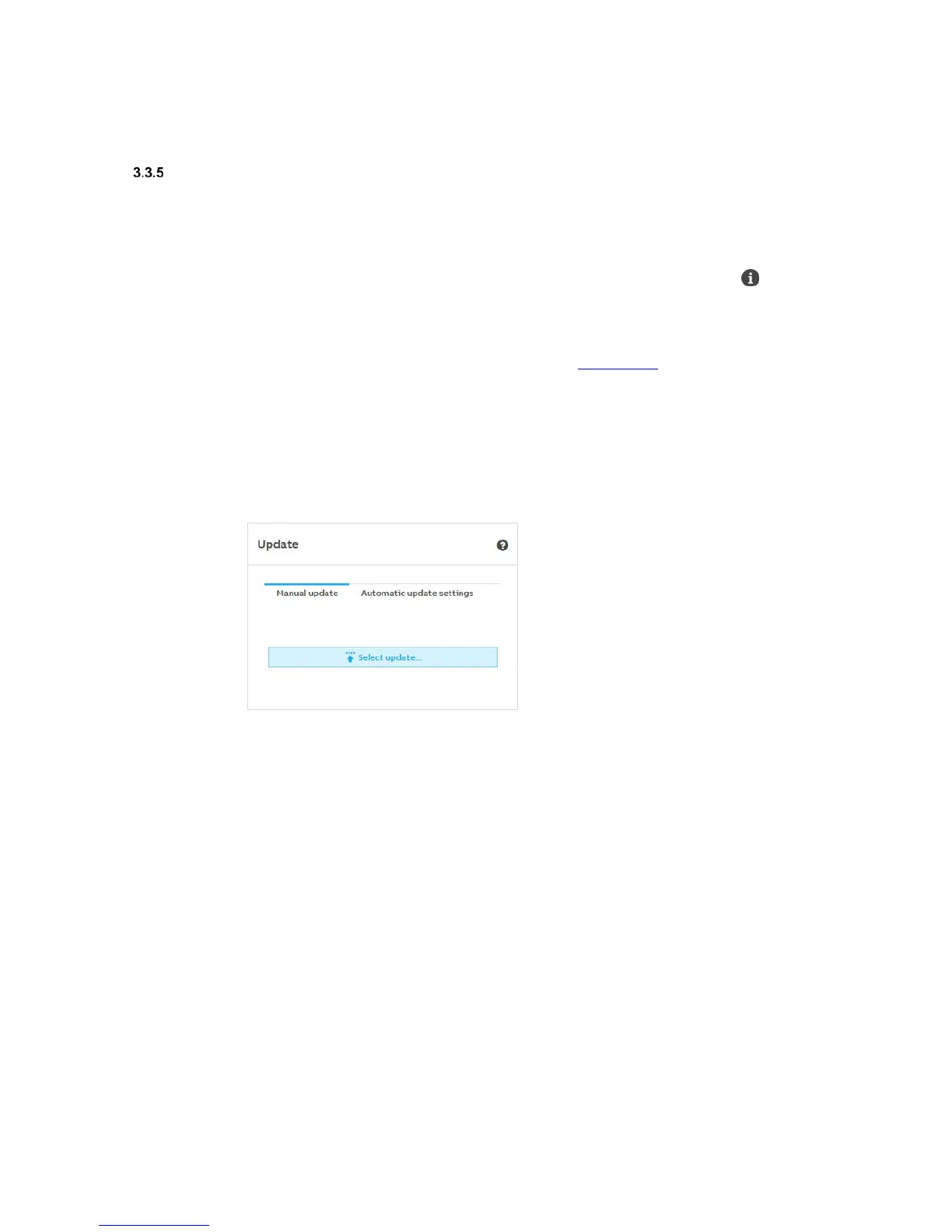
Update
Various options are available for updating the device or the firmware to the latest version.
1. Manual update
2. Automatic update
The current version and other device-specific information can be retrieved using the About
command on the main menu.
Manual update
• The update packages are available on the following download link
• Save the latest firmware version to your PC/laptop.
• Open the user interface
• Go to System > Update > Manual update > Select package
• Follow the instructions
• The device will reboot after the update. This may take a few minutes. As soon as the process
is complete, you will have to log in again.











 To Next Page