ABB EQmatic
Commissioning
QA/S x.yy.1 | 2CDC512090D0202 59
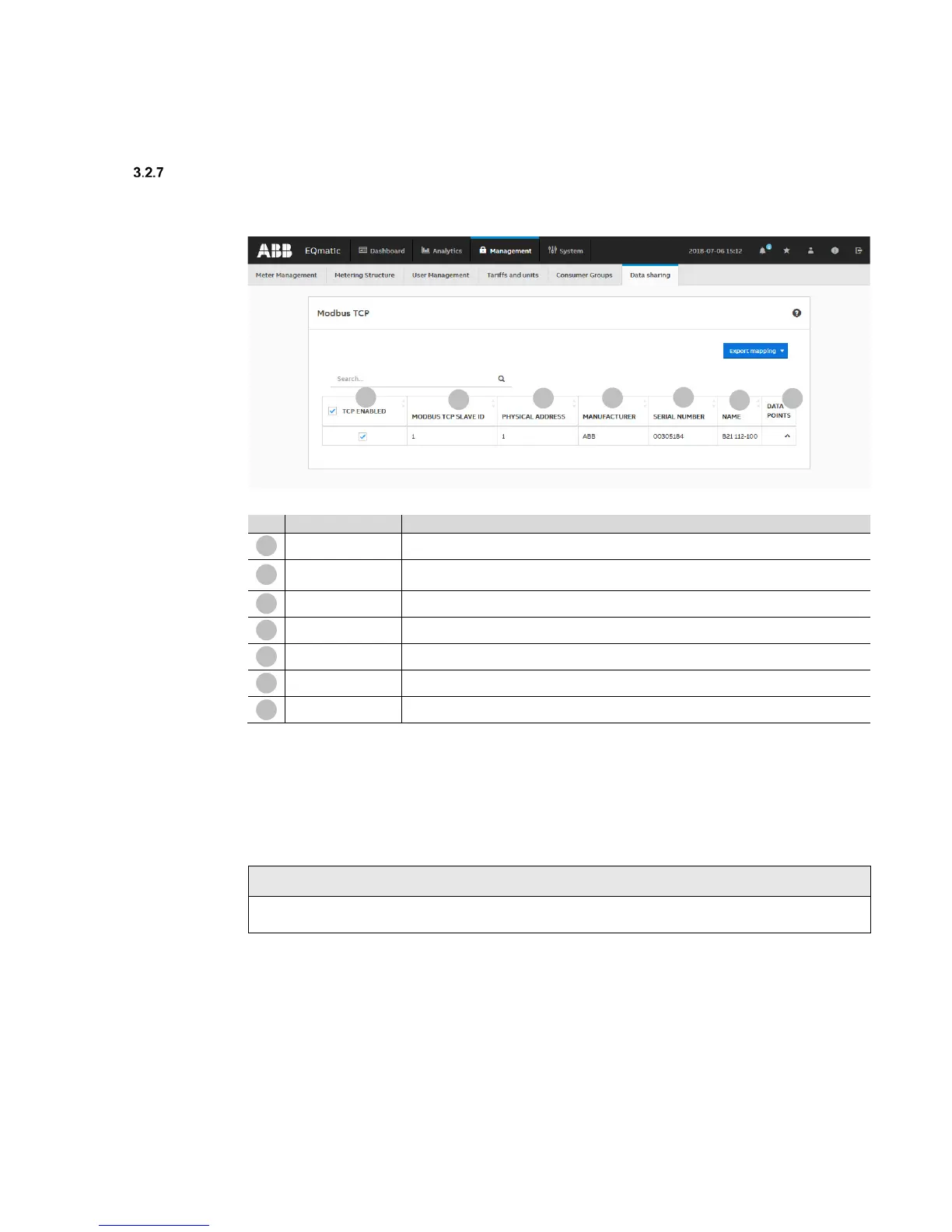
Data transfer via Modbus TCP
The data transfer via Modbus TCP function* is available for forwarding and using measured data in
higher-level systems (e.g. building management systems, SCADA etc.).
No. Column header Description
Data points
Click the button to display all available data points for the related meter
Client-server communication is established via Modbus TCP. This communication requires a TCP
connection to be set up between a client (e.g. a PC) and the server (e.g. the Energy Analyzer QA/S
x.yy.1). For this purpose, the devices must be in the same address range.
The TCP port 502 reserved for Modbus is used for communication. The port is enabled if at least
one device is selected on the Management > Data sharing menu in the table by selecting the
checkbox.
Note
If there is a firewall between the server and client, it must be ensured the TCP port configured is
opened.
* Available for QA/S 3.xx.1 Energy Analyzer, M-Bus from version 2.0.0











 To Next Page