ABB EQmatic
Commissioning
QA/S x.yy.1 | 2CDC512090D0202 63
Date and time
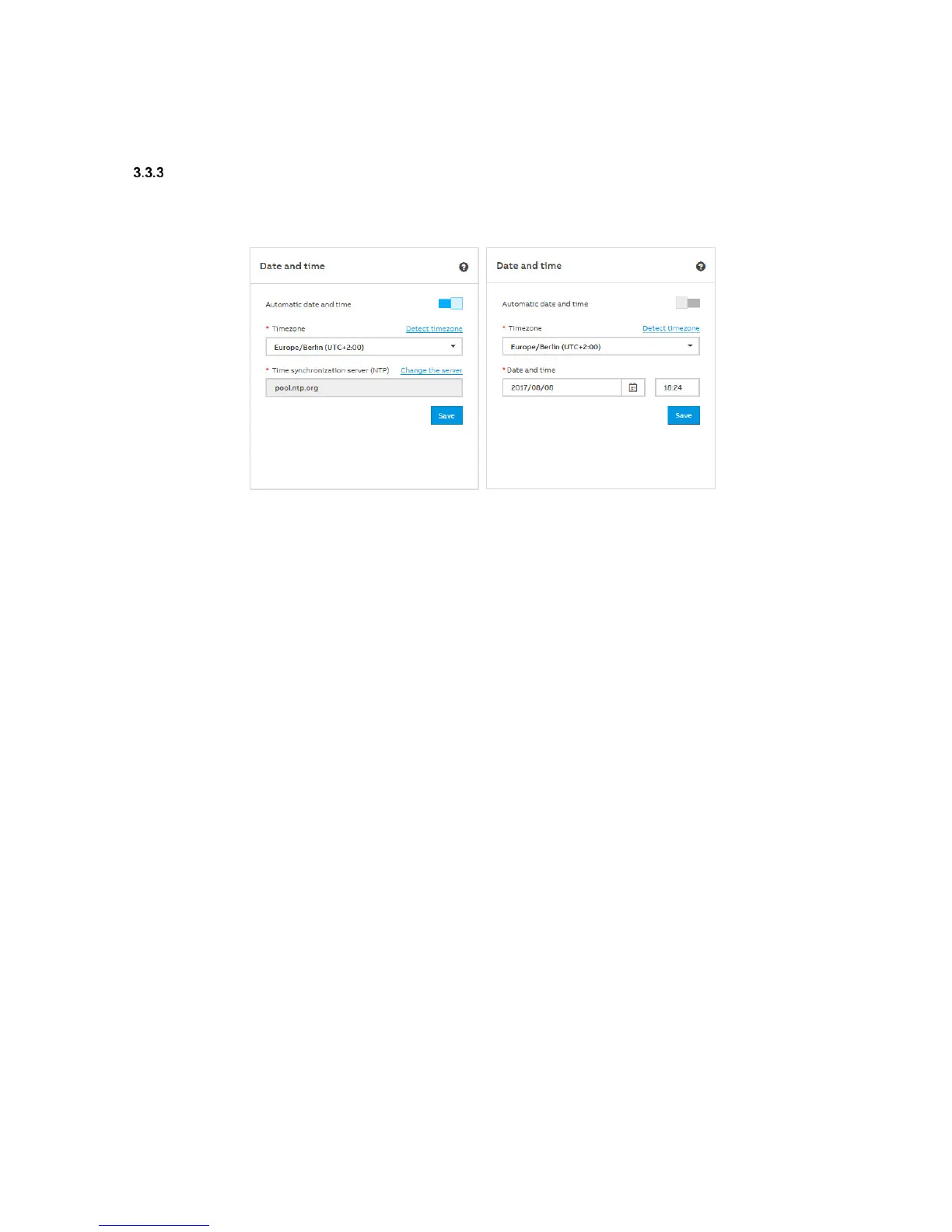
You can select whether the date and time are set automatically or manually.
Automatic date and time on Automatic date and time off
Automatic date and time (Off/On)
Off: For setting the time manually. Set the required time in the Date and time field and save
the settings.
On: Use "Change the server" to change the server. Enter the new address/URL for the time
server in the Time synchronization server (NTP) field and save the settings.
Timezone
To set the time zone in which the device is located, select the required time zone from the menu.
Optionally, the device can detect and set the time zone itself. Use "Detect timezone" to detect the
time zone. The time zone will be set automatically.











 To Next Page