ABB EQmatic
Device technology
20 2CDC512090D0202 | QA/S x.yy.1
Resetting the device
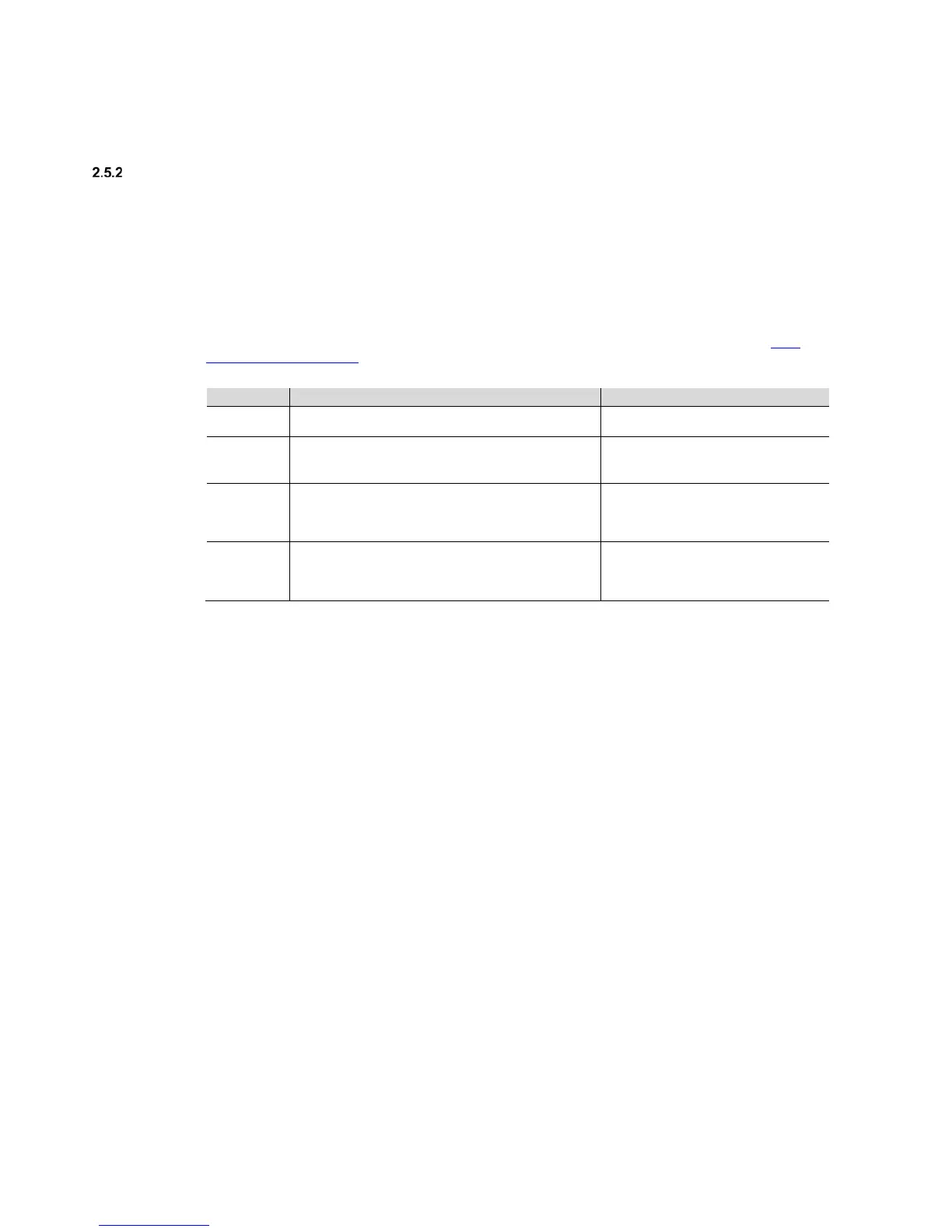
There are several ways to reset the device:
1. Restart (device reset only)
2. Restart and reset the network settings
3. Reset to factory settings
Reset button
To reset the device, use the Reset button. It is behind the label carrier (for more information see: 2.1.2
Connection diagram P. 11). Open the label carrier cover. Press the Reset button to reset the device as
described.
No reaction ON LED (green): ON
M-Bus/Modbus RTU LED (yellow): ON
<10 sec.
1. Restart
Pressing and releasing the Reset button restarts the device.
ON LED (green): Flashing (3 Hz).
M-Bus/Modbus RTU LED (yellow): ON
2. Restart and reset the network settings
Pressing and releasing the Reset button resets the IP
address to automatic address assignment (DHCP) and
restarts the device.
ON LED (green): Flashing (3 Hz).
M-Bus/Modbus RTU LED (yellow):
Flashing (3 Hz).
3. Restart and reset to factory settings.
Pressing and releasing the Reset button deletes all user-
defined settings, network settings and database entries.
ON LED (green): Flashing (10 Hz).
M-Bus/Modbus RTU LED (yellow):
Flashing (10 Hz).











 To Next Page