ABB EQmatic
Commissioning
QA/S x.yy.1 | 2CDC512090D0202 67
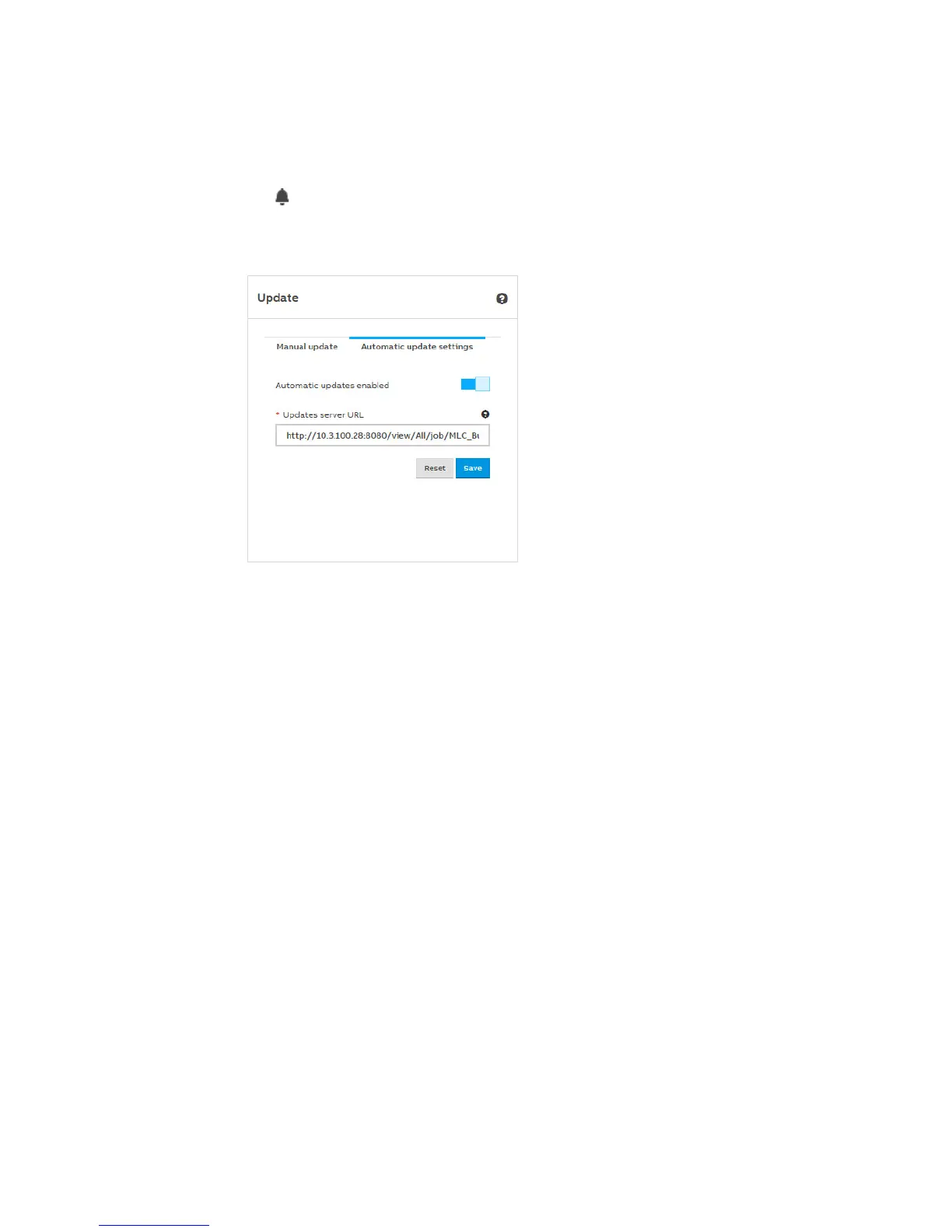
Automatic update
The Notifications icon in the menu bar will inform you when a new update becomes available.
Click the notification and follow the instructions.
The device will reboot after the update. This may take a few minutes. As soon as the process is
complete, you will have to log in again.
Automatic updates enabled (Off/On)
Use this parameter to activate the notification about available updates.
Update server url
Used to enter an alternative update server. Enter the server address/URL in the field and save the
settings.











 To Next Page