ABB EQmatic
Commissioning
50 2CDC512090D0202 | QA/S x.yy.1
Configuring a manual structure
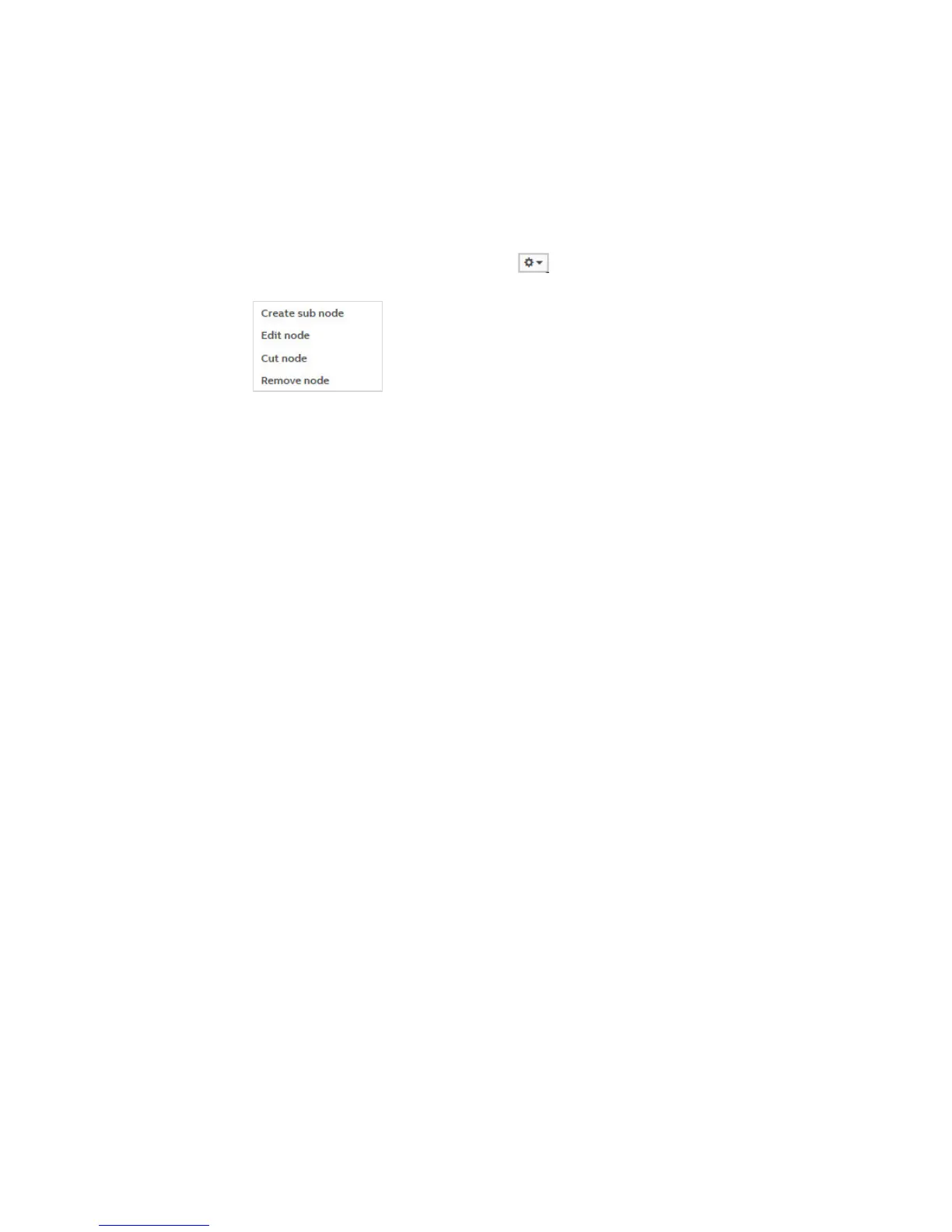
Click a node to open the sub-menu. The node settings are made here. See also Edit.
Mouseover
Move your mouse over the nodes to show the button. Click the button to display the node
configuration options.
Create sub node
Creates a sub node for the current node.
• Node type: Used to select the node type
Virtual meter
Metering point
• Virtual meter: If you select this option, a virtual meter node is created (see also
description of Virtual meter).
• Metering point: If you select this option, a metering point is created (see also
description of Metering point).
• Name: Used to name the node.











 To Next Page