Manual Power Quality Filter PQFM The PQF-Manager user interface 135
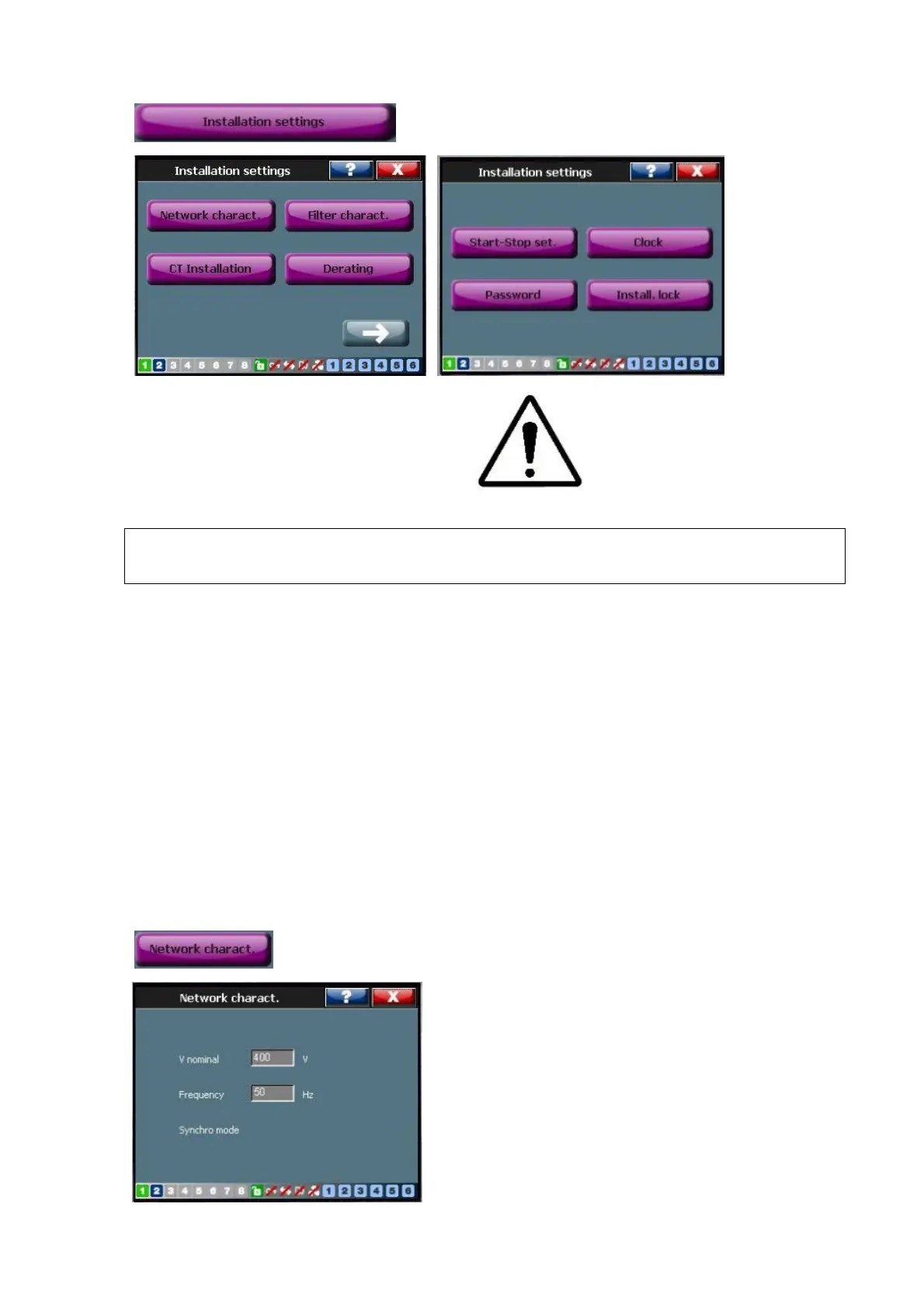
7.9.3 The ‘Installation settings’ menu
WARNING: The installation settings menu is intended to be used by qualified
commissioning engineers that are authorized to change the filter’s advanced settings.
The filter’s advanced settings include:
− Setting up the ‘auto restart’ function
− Setting up the ‘auto restart’ function
− Setting up the system clock
− Setting Password
The aforementioned functions are discussed more in detail later in this section.
For convenience, the installation settings menu also gives an overview of the installation
settings. More specifically, the following settings can be read:
− Settings for the nominal voltage, frequency and synchro mode
([/Welcome/Settings/Installation set./Network charact.])
− Filter characteristics ([/Welcome/Settings/Installation set./Filter charact.])



 To Next Page