102 The PQF-Manager user interface Manual Power Quality Filter PQFM
7.8 The ‘Measurements’ menu
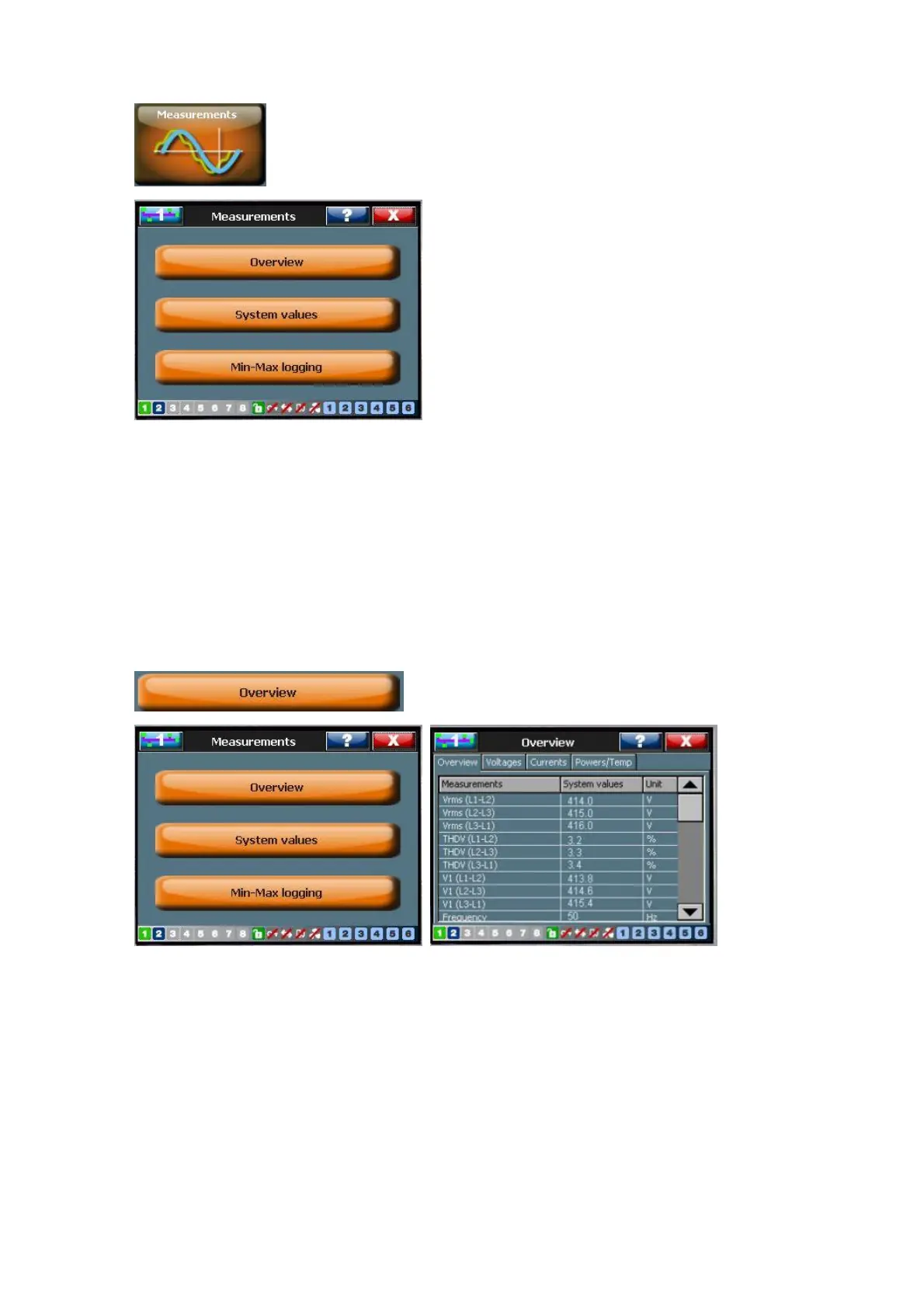
This menu allows monitoring a variety of variables (e.g. voltage, current …) in a variety
of formats (e.g. RMS-values, spectra, time domain waveforms). Its submenus are
discussed next.
In multi-unit filters, several parameters are measured by the individual units. In order to
consult measurements from a specific unit, select the unit with the ‘Select Unit’ option
(where available). The order of the unit is determined by the DIP switch unit
identification setting at the moment of commissioning.
7.8.1 The ‘Overview’ menu
The Overview menu summarizes the following characteristic parameters (Table 43).
These parameters are expressed as numerical values in a list.



 To Next Page