148 The PQF-Manager user interface Manual Power Quality Filter PQFM
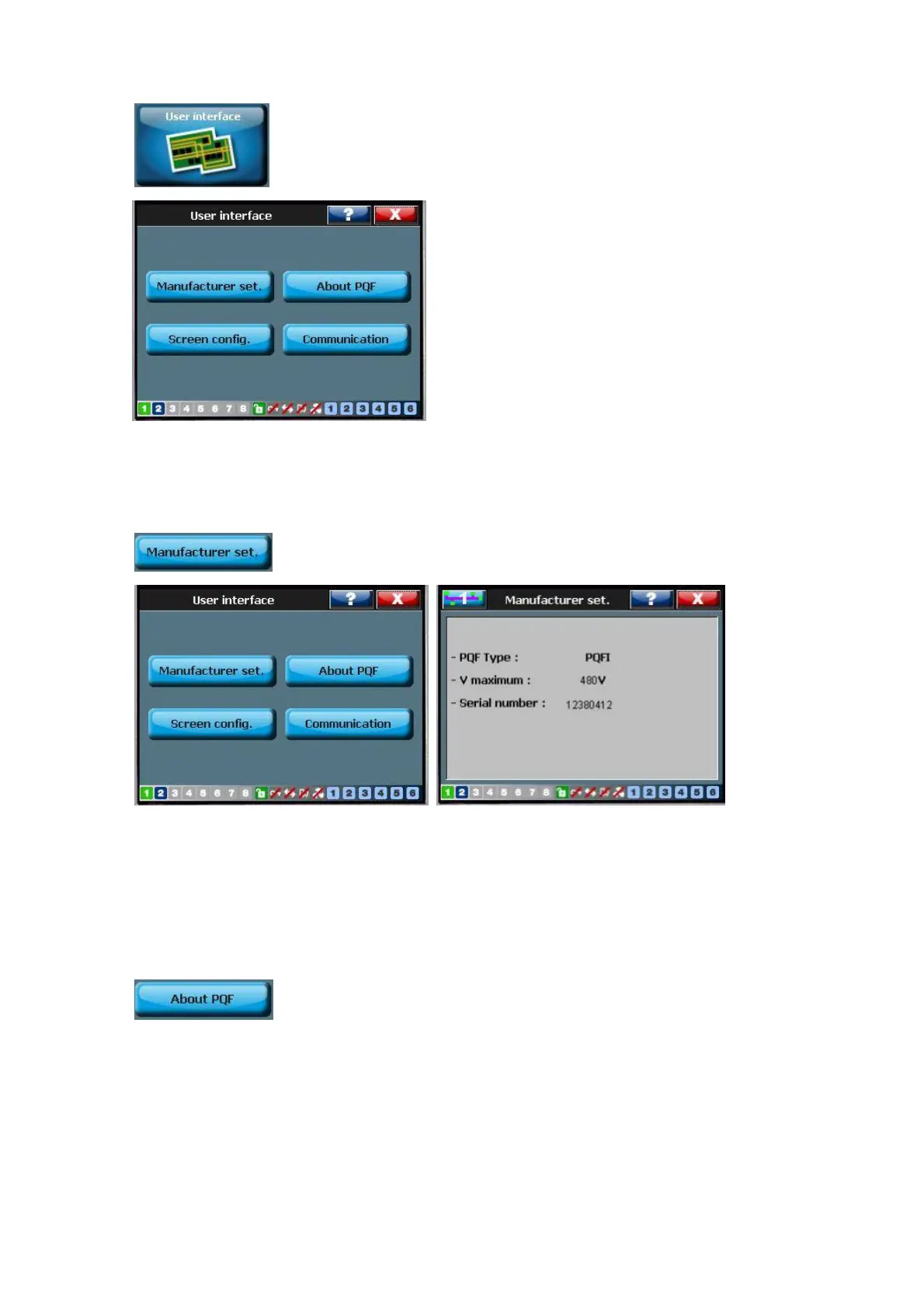
7.11 The ‘User Interface menu
This menu gives basic data on the filter, allows the touch screen to be configured and
Communication setting to be performed.
7.11.1 Manufacturer setting
This menu gives basic data on the filter.
Basic manufacturer settings such as filter type, maximum voltage rating and filter serial
number. These settings can be accessed in [/Welcome/User Interface/ /Manufacturer
set.].
7.11.2 About PQF



 To Next Page