m-PIMA™ ANALYSER USER GUIDE
17
2
Result in
45
minutes.
m-PIMA
HIV-1/2 VL
Sample ID
07-11-2019-ABC
ANALYSIS
14:562019-11-07
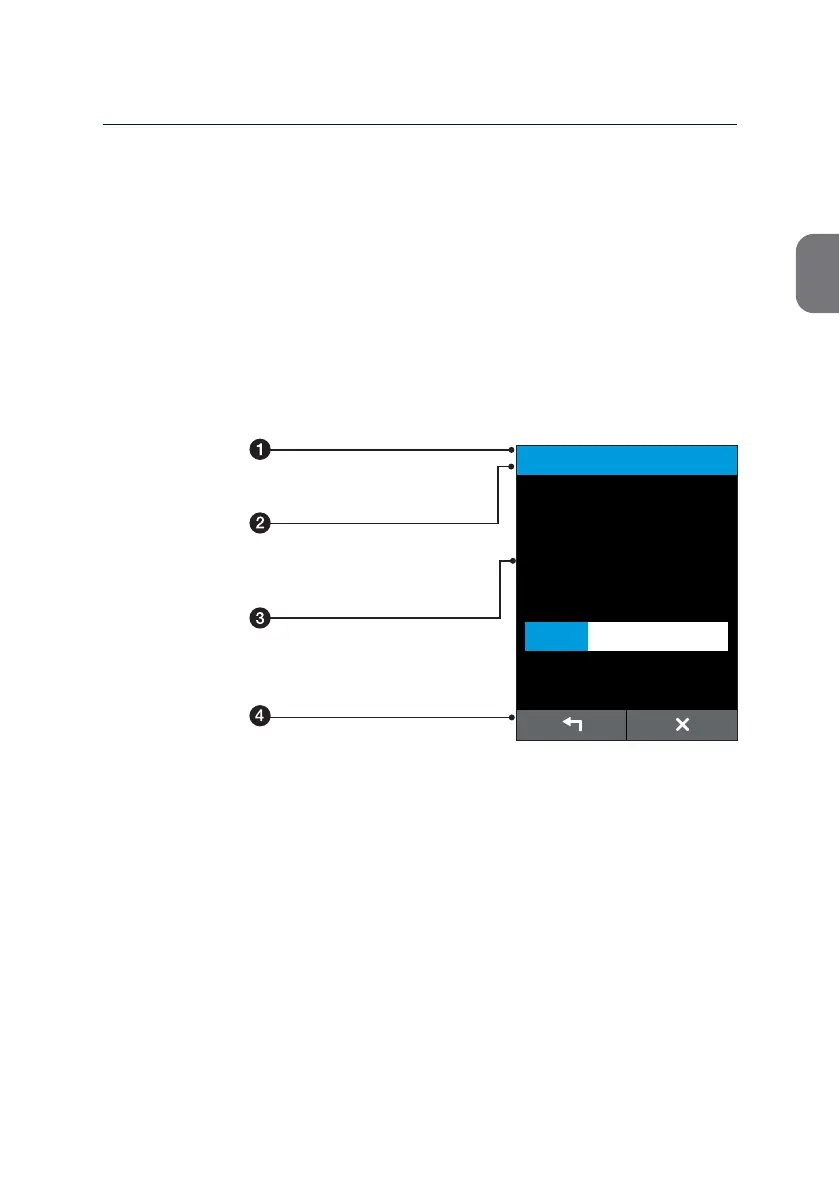
m-PIMA™ Analyser Display (example)
Status Line
Date and me are displayed.
Title Line
Display of screen type and currently
acve menu or sub menu.
Message Line
Area to display menu items, test results, error
codes, device acvies and messages.
Navigaon Line
Provides access to the various test funcons
and menu opons.
Please nd a more detailed descripon of the icons on page 18.
m-PIMA™ Analyser User Interface
Your m-PIMA™ Analyser is equipped with a resisve touch screen for displaying
informaon and to interact with the instrument. The touch screen is
precalibrated and you may use it with bare or gloved hands alike.
In case the touch screen loses its calibraon go to page 49 to learn more about
how the touch screen of your m-PIMA™ Analyser can be re-calibrated.



 To Next Page