m-PIMA™ ANALYSER USER GUIDE
53
6
SIGNAL TONE
14:56
On
2019-11-07
O
ADVANCED SETTINGS
14:56
Calibrate Screen
Test Mode
Signal Tone
2019-11-07
Connectivity
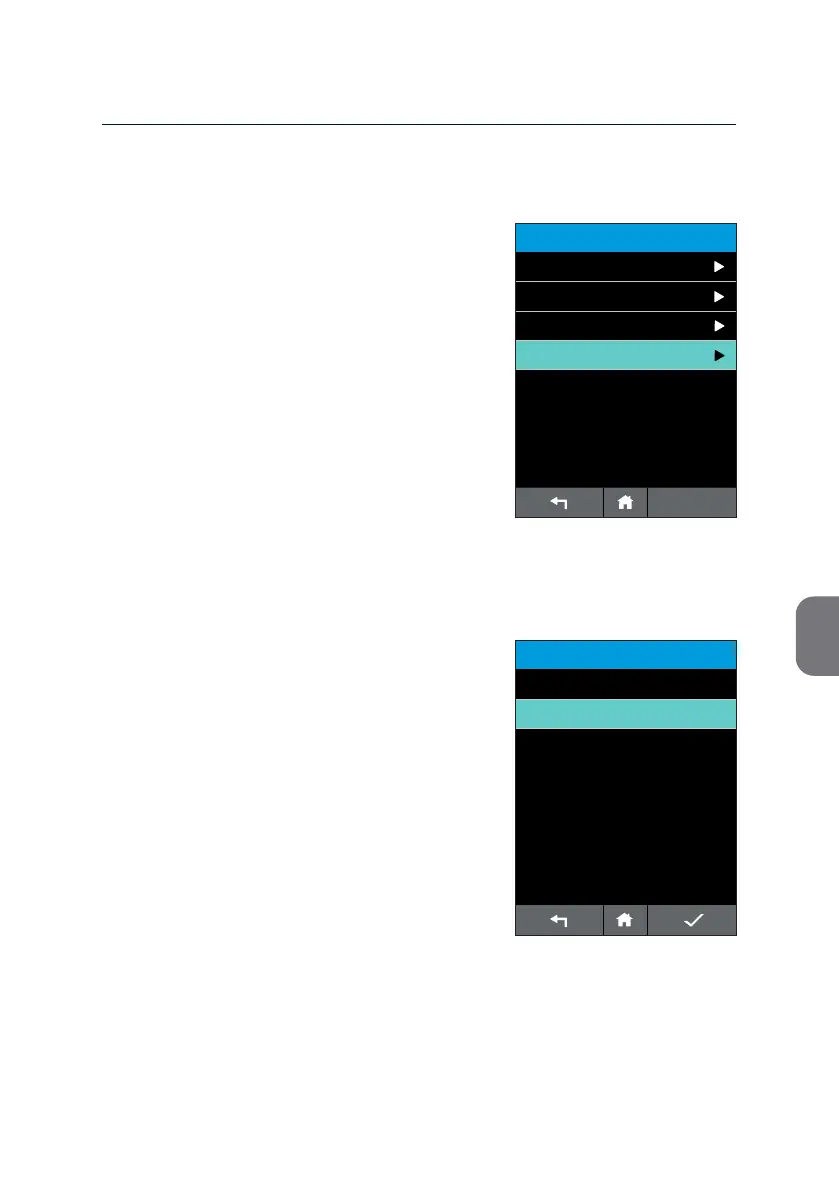
Signal Tone
Your m-PIMA™ Analyser is equipped with
acousc signals to alert the operator of acons
requested by the instrument.
• If you want to turn o certain acousc
signals press the respecve line and choose
“O” on the following screen.
• Press i to conrm your choice and to
return to the «ADVANCED SETTINGS» list.
Note: This opon is only available with
m-PIMA™ Analyser soware version
0.24 or higher. As a default seng all
acousc signals are acvated.
By turning o the Signal Tone the following
signals will be deacvated:
a) signal alerng the operator of a successfully
nished test run
b) signal indicang the inseron of a test
cartridge before a test run has been
properly iniated by pressing [RUN TEST]
The following acousc signals are always
acvated, regardless of Signal Tone seng:
a) signal alerng the operator of a terminated
test run, leading to an invalid result
b) signals associated with the Power Warning
screens (see pages 67/68).



 To Next Page