6
42
6 SETTINGS
6 SETTINGS
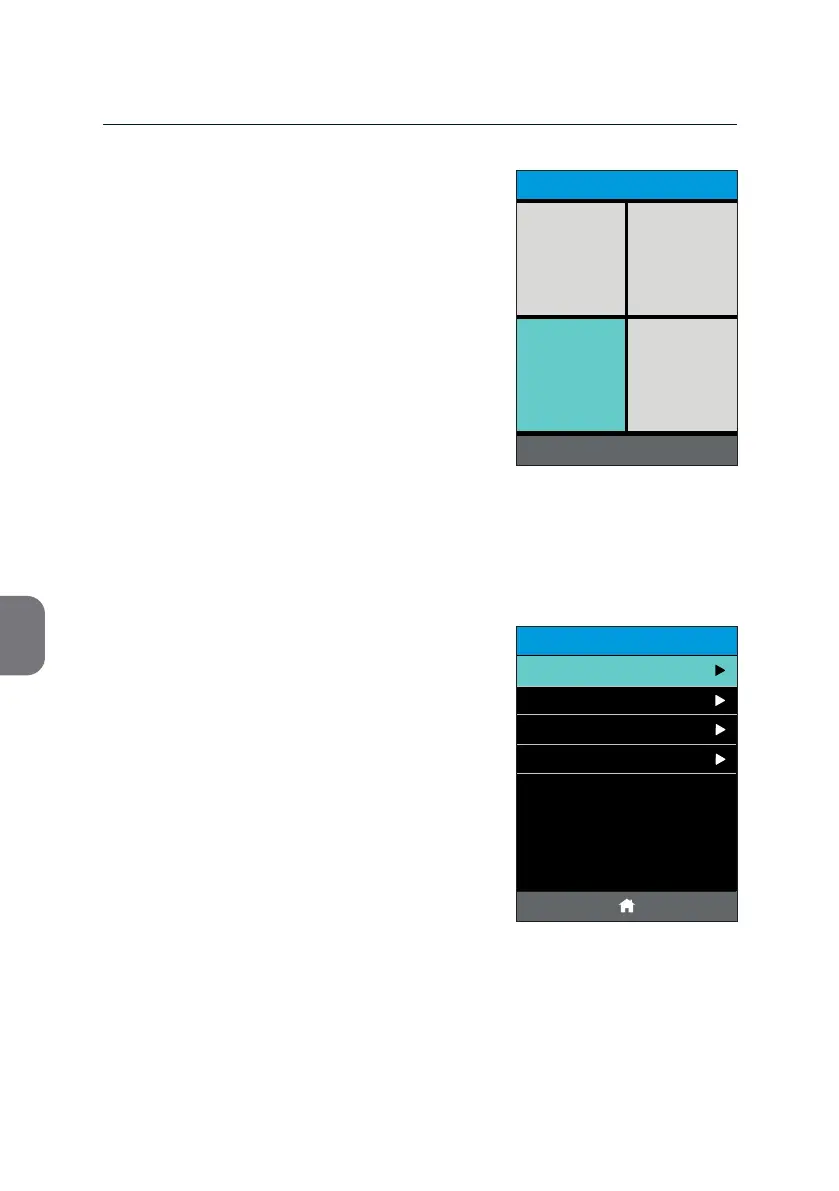
You can change the general sengs of your
m-PIMA™ Analyser.
• Press the [SETTINGS] le in the lower le
corner of the «HOME» screen.
A list of all available seng opons is
displayed.
Operator List
All Operator entries are saved and archived in the
Operator List.
Here you can enter a new Operator or delete an
already exisng entry.
• Press «Operator List» to open the list.
POWER OFF
HOME
2019-11-07 14:51
ARCHIVE
SETTINGS DEVICE
RUN TEST
SETTINGS
14:56
Date and Time
Language
Advanced Settings
2019-11-07
Operator List



 To Next Page